

Opening links one by one can quickly slow down your workflow, especially when you’re dealing with long lists of URLs. Whether you’re checking backlinks, reviewing competitor pages, or accessing multiple resources, doing this manually is inefficient.
A bulk URL opener solves this problem by allowing you to open multiple URLs at once in separate tabs with a single click. Instead of repeating the same task over and over, you can paste your links into a tool and open them instantly.
This is particularly useful for SEO professionals, marketers, developers, and researchers who regularly work with multiple links. In this guide, we’ve listed the best bulk URL opener tools to help you open multiple links faster, save time, and improve productivity.
- What Is a Bulk URL Opener?
- Key Features to Look for Before Using a Bulk URL Opener Tool
- Benefits of Using a Bulk URL Opener Tool
- Top 10 Bulk URL Opener Tools
- Online Bulk URL Opener Tools vs Browser Extensions
- How to Choose the Best Bulk URL Opener Tool
- Final Thoughts
- FAQs
What Is a Bulk URL Opener?
A bulk URL opener is a tool that allows you to open multiple URLs at once instead of clicking each link manually. You simply paste a list of links into the tool, and it opens them instantly in separate browser tabs.
It is also known as a multiple URL opener or multi-link opener, and it’s commonly used by SEO professionals, marketers, developers, and researchers who work with large sets of URLs.
For example, if you need to review multiple web pages, check backlinks, or analyze competitor sites, this tool helps you complete the task much faster. Most bulk URL openers work directly in your browser, so there’s no need to install any software.
Key Features to Look for in a Bulk URL Opener
Before choosing a bulk URL opener, it’s important to look beyond basic functionality. While most tools can open multiple links, the following features help ensure a smoother and more reliable experience:
- Open multiple URLs at once: The core function, the tool should handle multiple links in a single click without errors.
- Fast execution: Links should open instantly without lag, especially when working with larger URL lists.
- No installation required: Web-based tools are more convenient for quick tasks and don’t require downloads or setup.
- Browser compatibility: The tool should work smoothly across Chrome, Firefox, Edge, and other modern browsers.
- Clean and simple interface: A clutter-free layout makes it easier to paste, review, and manage URLs.
- Pop-up handling support: Since links open in new tabs, the tool should work well with browser pop-up permissions.
- Duplicate URL handling: Some tools automatically remove repeated links, helping avoid opening the same page multiple times.
- Delay or batch opening (advanced): Useful for large lists, this feature opens links in intervals to prevent browser overload.
- Safe usage: Avoid tools that ask for unnecessary permissions or redirects.
Benefits of Using a Bulk URL Opener Tool
A bulk URL opener makes it easier to handle multiple links without repeating the same manual steps. Whether you’re working on SEO tasks, research, or content review, it helps save time and improve efficiency.
Key Benefits at a Glance
| Benefit | Explanation |
| Saves Time | Open multiple URLs in one click instead of opening each link manually |
| Improves Productivity | Reduces repetitive work, especially when handling large URL lists |
| Easy to Use | Simply paste your links and open them instantly without setup |
| Handles Large Lists | Useful for opening dozens of URLs during audits or research |
| No Installation Needed | Most tools work directly in your browser |
| Works Across Browsers | Compatible with Chrome, Firefox, Edge, and more |
| Useful for SEO Tasks | Helps with backlink checks, competitor analysis, and page reviews |
Top 10 Bulk URL Opener Tools
There are many bulk URL opener tools available online, but not all of them offer the same speed, reliability, and ease of use. To help you choose the right option, we reviewed the most popular tools based on performance, simplicity, and browser compatibility.
These tools allow you to open multiple URLs instantly without installing software, making them ideal for quick tasks like SEO audits, research, and link checking.
1. CASECONVERTER.TOOLS – Multi URLs Opener
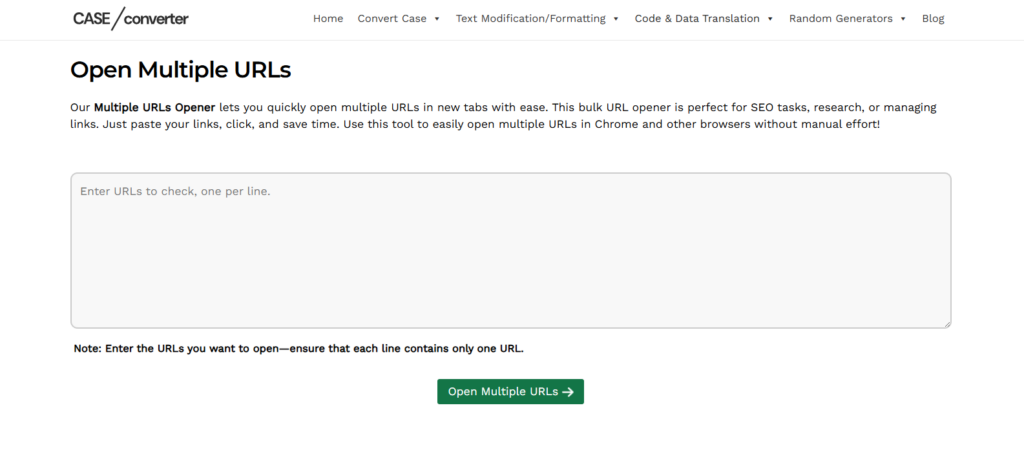
The Multi URLs Opener by CASECONVERTER.TOOLS is a simple and efficient online bulk URL opener designed for users who want quick results without installing extensions or software.
This tool allows you to paste a list of URLs and open them all at once in new browser tabs. Its clean interface makes it easy for beginners, while its speed makes it useful for SEO professionals and marketers.
Key Features
- Open multiple URLs in one click
- Clean and beginner-friendly interface
- Works directly in browser
- No signup required
How to Use
- Paste your list of URLs
- Click the open button
- Allow pop-ups in your browser
- All links open in new tabs
Best for: Quick and simple use
Limitation: Not ideal for very large URL batches
Why Choose This Tool?
If you’re looking for a fast and free bulk URL opener that works instantly online, this tool is a practical choice. It’s ideal for users who want a straightforward solution without extra steps or technical setup.
2. INCREMENTORS – Bulk URL Opener
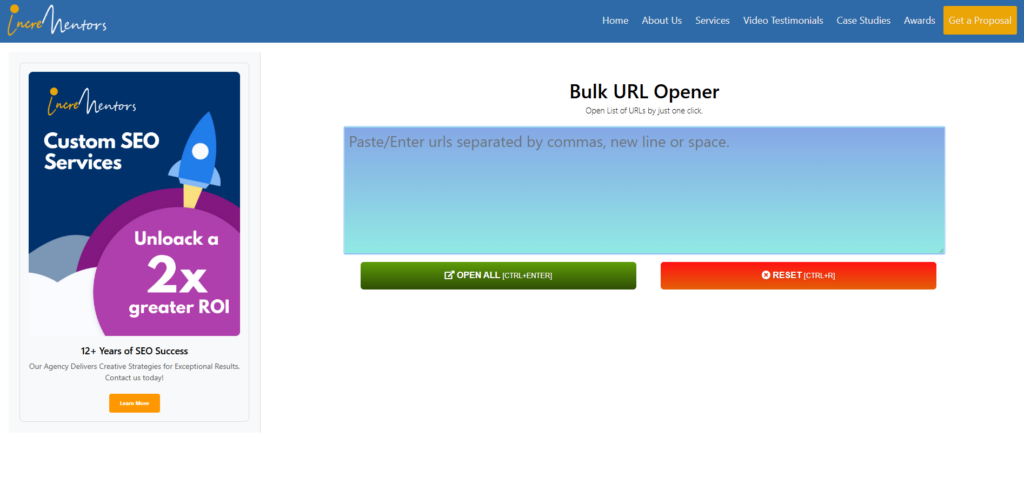
INCREMENTORS offers a straightforward tool for opening multiple links at once, commonly used for SEO-related tasks.
Key Features
- Bulk URL opening in one click
- Simple input interface
- No installation required
How to Use
- Enter or paste URLs
- Click open
- Links launch in separate tabs
Best for: Basic SEO link checks
Limitation: Limited advanced features
3. 10BESTSEO – URL Opener
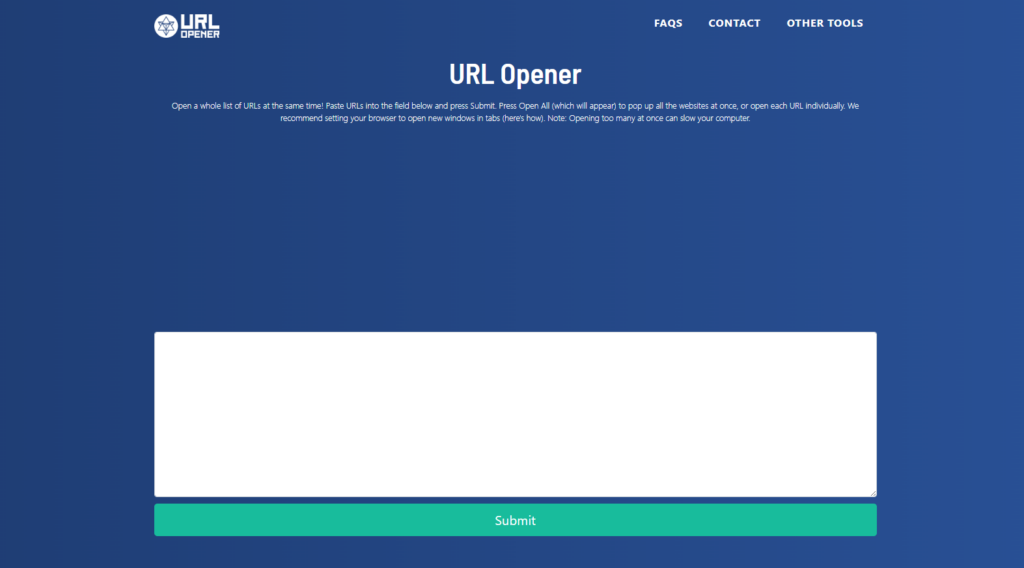
10BESTSEO provides a quick and easy way to open multiple links for fast browsing and content review.
Key Features
- Instant URL opening
- Easy-to-use interface
- No setup required
How to Use
- Paste your URLs
- Click the open button
- Tabs open automatically
Best for: Fast one-time use
Limitation: No customization options.
4. URL-OPENER.cOM
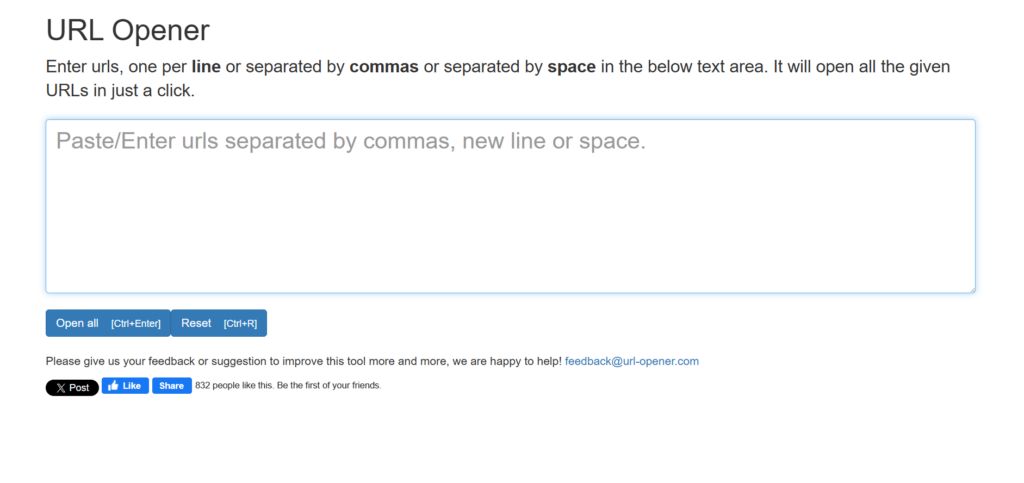
URL-OPENER.COM is a dedicated tool focused only on opening multiple URLs quickly without distractions.
Key Features
- Lightweight and fast
- No login or installation
- Minimal interface
How to Use
- Paste URLs into the box
- Click open
- Links open instantly
Best for: Lightweight usage
Limitation: No additional features
5. WEBFX – URL Opener Tool
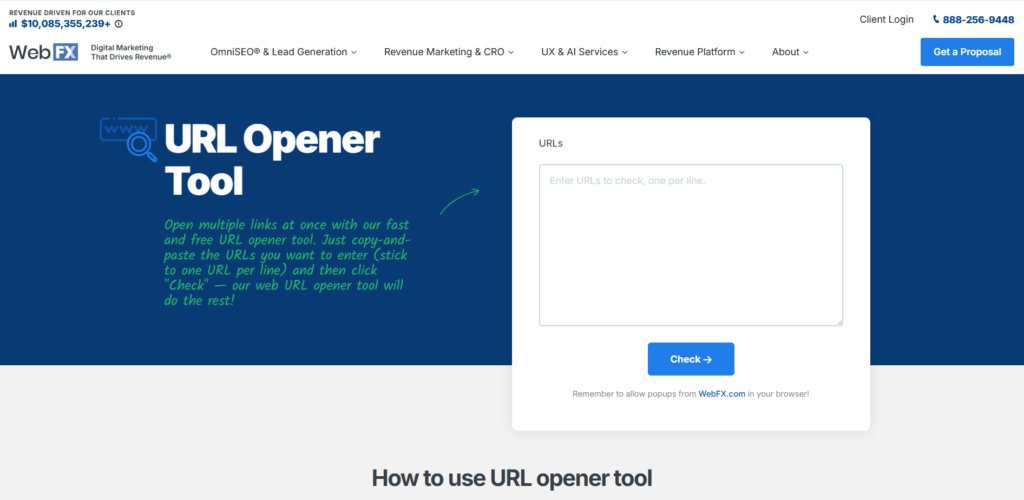
WEBFX offers a bulk URL opener as part of its digital marketing tools, making it a reliable option backed by an established brand.
Key Features
- Clean and professional interface
- Integrated with marketing tools
- Easy URL input
How to Use
- Paste URLs
- Click open
- Review pages in new tabs
Best for: Trusted platform users
Limitation: Not focused on advanced bulk control
6. OPENMULTIPLEURL.COM
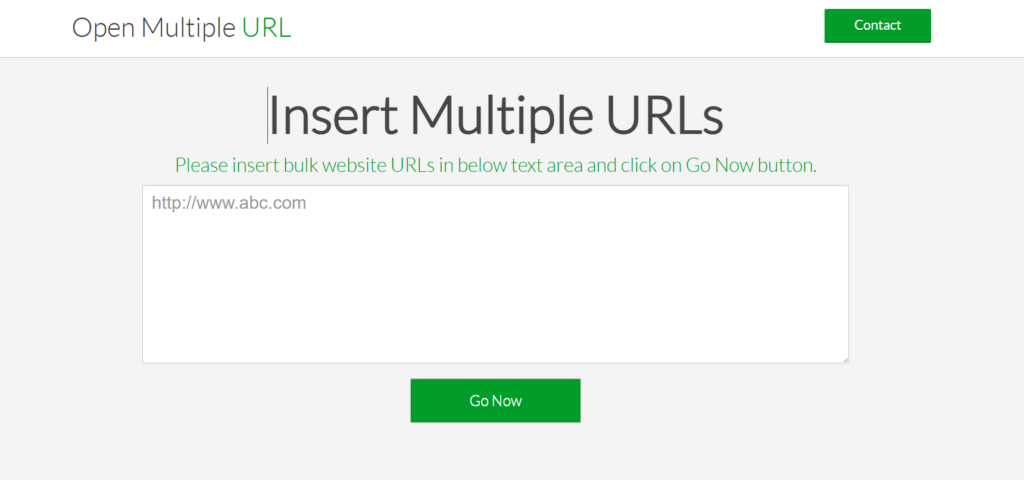
OPENMULTIPLEURL.COM is a simple tool designed for quickly opening multiple links without extra options.
Key Features
- Fast execution
- Simple layout
- No registration needed
How to Use
- Enter URLs
- Click open
- Tabs open instantly
Best for: Quick research tasks
Limitation: Limited handling for large lists
7. WEBSITEPLANET – Multiple URL Opener
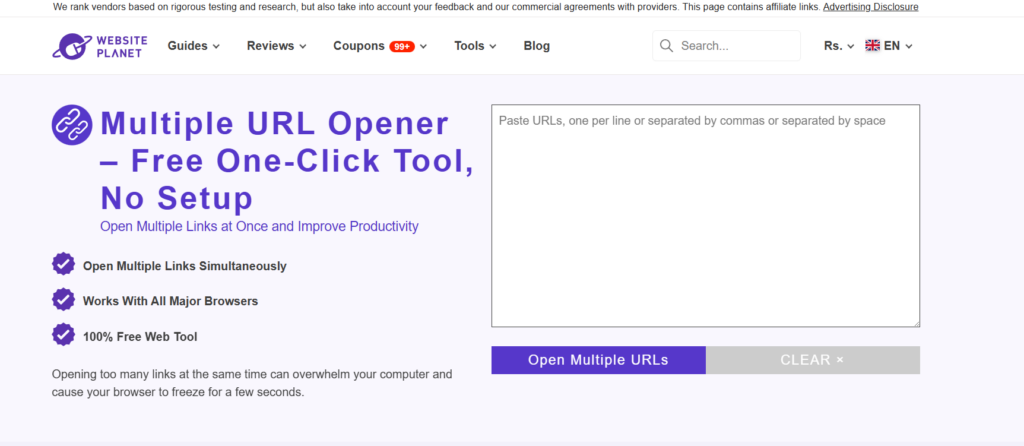
WEBSITEPLANET provides a beginner-friendly tool suitable for small to medium URL lists.
Key Features
- Clean interface
- Easy to use
- Works on all major browsers
How to Use
- Paste URLs
- Click open
- Links load in tabs
Best for: Beginners
Limitation: Not suitable for heavy usage
8. DNSCHECKER – URL Opener
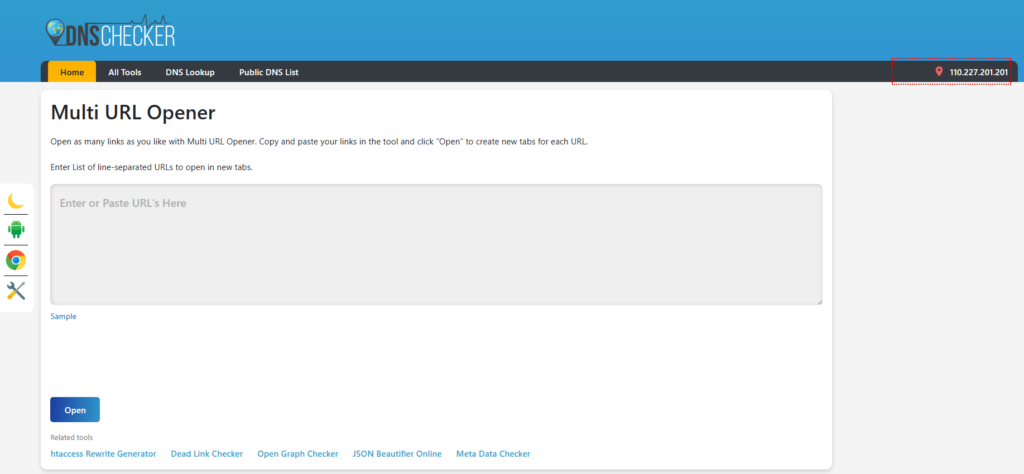
DNSCHECKER offers a technical and reliable bulk URL opener as part of its broader toolkit.
Key Features
- Fast and stable performance
- Suitable for SEO workflows
- Browser-based
How to Use
- Paste URLs
- Click open
- Tabs launch quickly
Best for: SEO and technical users
Limitation: Interface may feel basic
9. WEBURLOPENER.COM
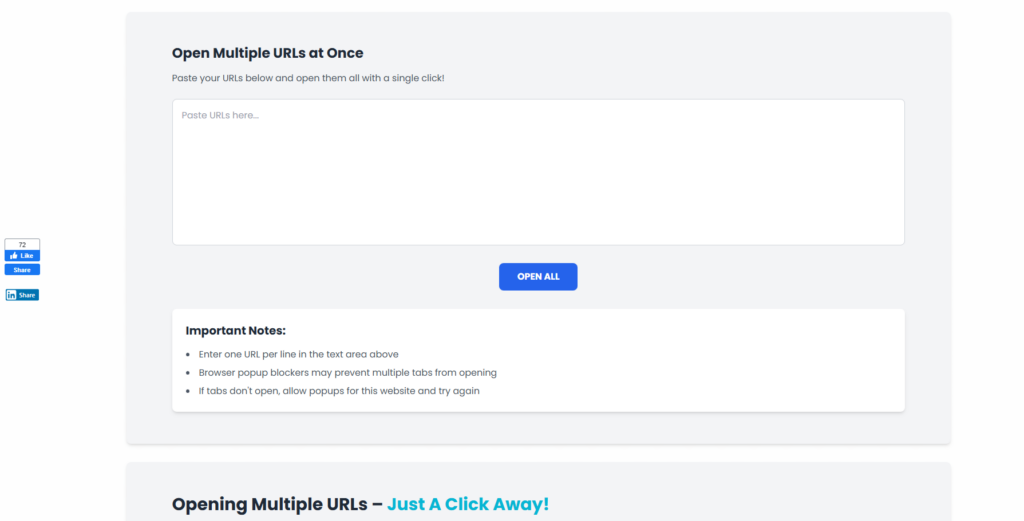
WEBURLOPENER.COM is a straightforward tool built specifically for opening multiple links without extra features.
Key Features
- Dedicated URL opener
- Minimal design
- Quick performance
How to Use
- Paste URLs
- Click open
- Links open in tabs
Best for: Simple repeated use
Limitation: No advanced controls
10. SMALL SEO TOOLS – URL Opener
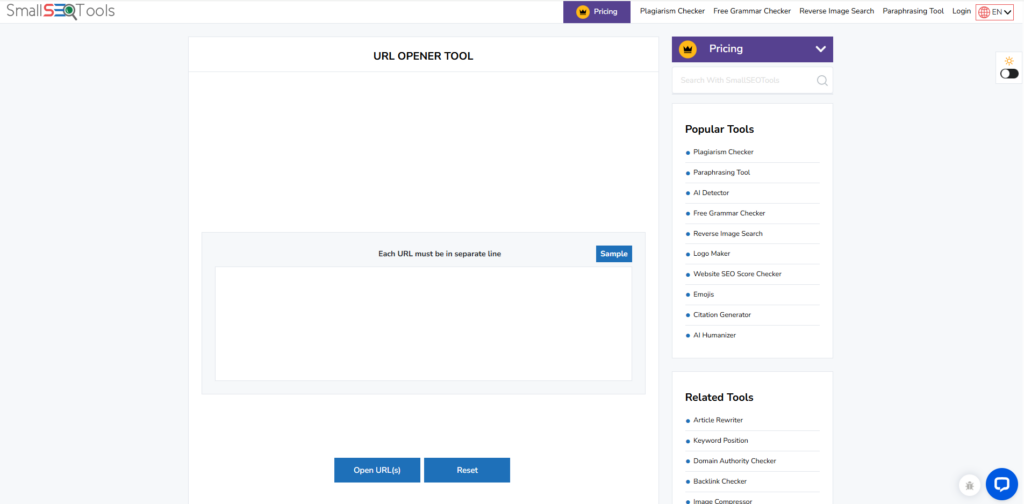
SMALL SEO TOOLS includes a bulk URL opener within its SEO toolkit, widely used by marketers and content teams.
Key Features
- Part of SEO tool suite
- Easy interface
- No installation required
How to Use
- Paste URLs
- Click open
- Tabs open automatically
Best for: SEO tool users Limitation: Performance may vary with large lists
Bulk URL Opener Tools Comparison
Choosing the right tool becomes easier when you compare them side by side. Below is a quick overview of the most popular bulk URL opener tools based on usability and performance.
| Tool | Best For | Ease of Use | Performance | Suitable For Large Lists |
| CASECONVERTER.TOOLS | Quick use | Very Easy | Fast | Medium |
| INCREMENTORS | SEO checks | Easy | Fast | Medium |
| 10BESTSEO | One-time tasks | Easy | Medium | Low |
| URL-OPENER.COM | Lightweight use | Very Easy | Fast | Low |
| WEBFX | Trusted platform | Easy | Fast | Medium |
| OPENMULTIPLEURL.COM | Research tasks | Easy | Fast | Medium |
| WEBSITEPLANET | Beginners | Very Easy | Medium | Low |
| DNSCHECKER | Technical users | Moderate | Fast | High |
| WEBURLOPENER.COM | Simple usage | Very Easy | Medium | Low |
| SMALL SEO TOOLS | SEO workflows | Easy | Medium | Medium |
Best Bulk URL Opener by Use Case
Not all tools are ideal for every situation. Here’s a quick breakdown to help you choose the right one based on your needs:
- Best for quick and simple use: CASECONVERTER.TOOLS
- Best for SEO audits and link checks: DNSCHECKER
- Best for beginners: WEBSITEPLANET
- Best for lightweight, distraction-free usage: URL-OPENER.COM
- Best for users already using SEO tools: SMALL SEO TOOLS
- Best for trusted brand reliability: WEBFX
Also Read: How to Open Multiple URLs at Once
Online Bulk URL Opener Tools vs Browser Extensions
When choosing a bulk URL opener, users often wonder whether an online tool or a browser extension is the better option. Both serve the same purpose, opening multiple URLs at once, but they work slightly differently.
1. Online Bulk URL Opener Tools
Online bulk URL openers work directly in your browser. You visit the website, paste your URLs, and open them instantly.
These tools are ideal if you:
- Need to open multiple links occasionally
- Don’t want to install browser extensions
- Prefer a quick, no-setup solution
- Use different browsers or devices
2. Browser Extensions
Browser extensions are installed directly into your browser, such as Chrome or Firefox. They are designed for users who open multiple URLs frequently and want quick access from the browser toolbar.
For example, a Bulk URL Opener extension allows users to open multiple links with just one click directly inside Chrome, without visiting an external website.
Extensions are useful if you:
- Open multiple URLs daily
- Want one-click access from your browser toolbar
- Prefer working entirely inside your browser
However, extensions may require permissions and are browser-specific.
Which One Should You Choose?
| Factor | Online Bulk URL Opener | Browser Extension |
| Setup Required | No setup, works instantly | Requires installation |
| Ease of Use | Very simple and beginner-friendly | Easy but browser-dependent |
| Flexibility | Works on any browser or device | Limited to one browser |
| Access | Open via any website | Access from browser toolbar |
| Permissions | No special permissions needed | May request browser access |
| Best For | Occasional and flexible use | Power users with daily usage |
How to Choose the Best Bulk URL Opener Tool
Most bulk URL opener tools work in a similar way, so you don’t need a long evaluation process. Here are a few simple points to help you choose the right one:
- Easy to use – Paste URLs and open them without extra steps
- Fast performance – Opens multiple links instantly
- Browser support – Works smoothly on your preferred browser
- No installation required – Online tools are easier for quick use
- Safe to use – Avoid tools that ask for unnecessary permissions
- Usage frequency – Online tools for occasional use, extensions for daily use
These basic checks are enough to find a reliable bulk URL opener that fits your needs.
Final Thoughts
A bulk URL opener is a simple and effective way to open multiple URLs at once without wasting time. Whether you’re an SEO professional, marketer, or researcher, using a multiple URL opener tool helps you work faster and manage large URL lists easily.
Most online bulk URL opener tools offer the same core functionality, so the best choice depends on your workflow and how often you need to open multiple links. For occasional tasks, a free online URL opener is usually enough, while frequent users may prefer a browser-based solution.
By choosing the right bulk URL opener tool, you can streamline your daily tasks and open multiple links instantly with minimal effort.
FAQs
Can I open multiple URLs online without installing anything?
Yes, many tools listed in this article are online bulk URL openers. They work directly in your browser and don’t require any installation or browser extensions.
Are bulk URL opener tools free to use?
Most bulk URL opener tools are completely free. They allow you to open multiple links without signing up or paying for access.
How many links can I open at once?
This depends on your browser. While most tools don’t set strict limits, opening too many URLs at once may trigger browser pop-up restrictions or slow down performance.
Do bulk URL opener tools work on all browsers?
Yes, most online bulk URL opener tools work on modern browsers like Chrome, Firefox, Edge, and Safari. Browser extensions, however, are limited to specific browsers.
Is a bulk URL opener useful for SEO?
Yes, SEO professionals commonly use bulk URL openers for backlink checks, competitor research, content audits, and reviewing multiple web pages quickly.
What’s better: an online bulk URL opener or a browser extension?
Online tools are better for occasional use and flexibility. Browser extensions are more suitable if you open multiple URLs daily and want quick access from your browser.