

In a single week after OpenAI launched GPT-4o image generation, users created over 700 million images. Not in a year. Not in a month. One week.
I have been testing AI tools professionally since 2022 and even I was not prepared for how fast this space has moved. Today some of the best free AI image generators in the world cost nothing to use but you would never know that from reading most articles about them.
Here is the problem I kept running into. Almost every best free AI image generator article I found was quietly built around paid tools. Free tier limits were buried in small print. “Free” usually meant three images before a paywall appeared.So I decided to do this properly. I personally tested 15 free AI image generators in April 2026 using four identical real world prompts on the free tier of every single tool. No paid features. No vendor information. Just honest results.
- How I Tested These Free AI Image Generators
- What Makes a Free AI Image Generator Worth Using?
- Quick Comparison Table: All 15 Tools at a Glance
- 1. Google Gemini — Best Free AI Image Generator for Overall Quality
- 2. ChatGPT (GPT Image 1.5) — Best Free AI Image Generator for Conversational Editing
- 3. Bing Image Creator — Best Free AI Image Generator for Unlimited Bulk Use
- 4. Adobe Firefly — Best Free AI Image Generator for Commercial Safety
- 5. Leonardo.ai — Best Free AI Image Generator for Designers and Freelancers
- 6. Ideogram — Best Free AI Image Generator for Text Inside Images
- 7. Canva AI (Magic Media) — Best for Non-Designers
- 8. Freepik AI (Pikaso) — Best for Content Marketers
- 9. Grok (xAI) — Best for X (Twitter) Users
- 10. Stable Diffusion — Best for Full Creative Control
- 11. FLUX — Best Open Source Option for Photorealism
- 12. Meta AI — Best for Casual Everyday Use
- 13. Craiyon — Best Free AI Image Generator With No Sign-Up
- 14. Perchance AI — Best Unlimited Free AI Image Generator for Students
- 15. Playground AI — Best Free AI Image Generator for Design-Focused Creators
- Which Free AI Image Generator Is Right for You?
- Conclusion
- FAQs
How I Tested These Free AI Image Generators
I set one firm rule before starting. Every tool had to be tested personally on its free tier only using the same four prompts across the board.
I created a fresh account on every tool that required sign-up. For tools requiring no account I cleared my browser cache before each session. All testing was done in April 2026 on a standard laptop browser.
The 4 prompts I used:
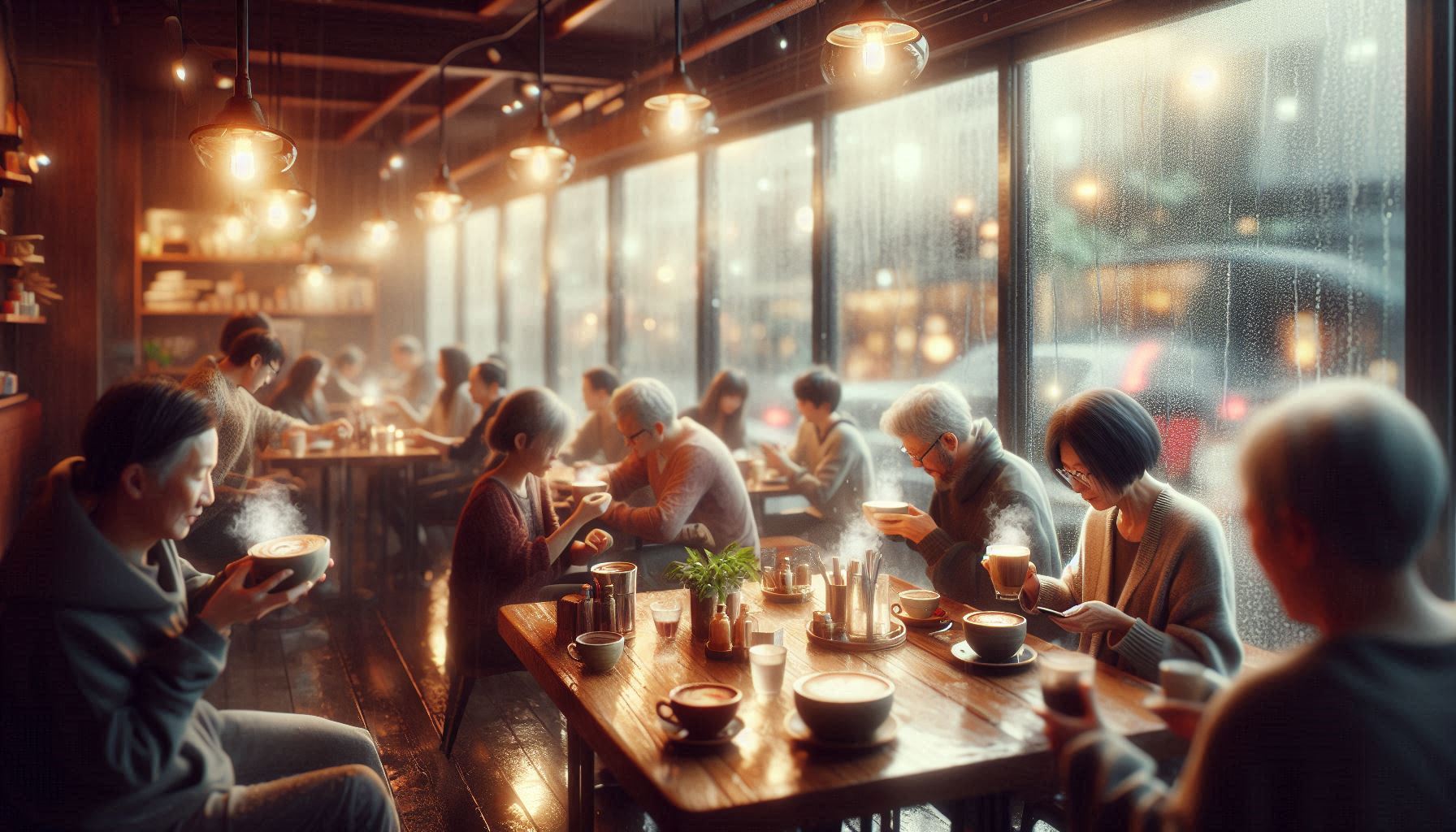
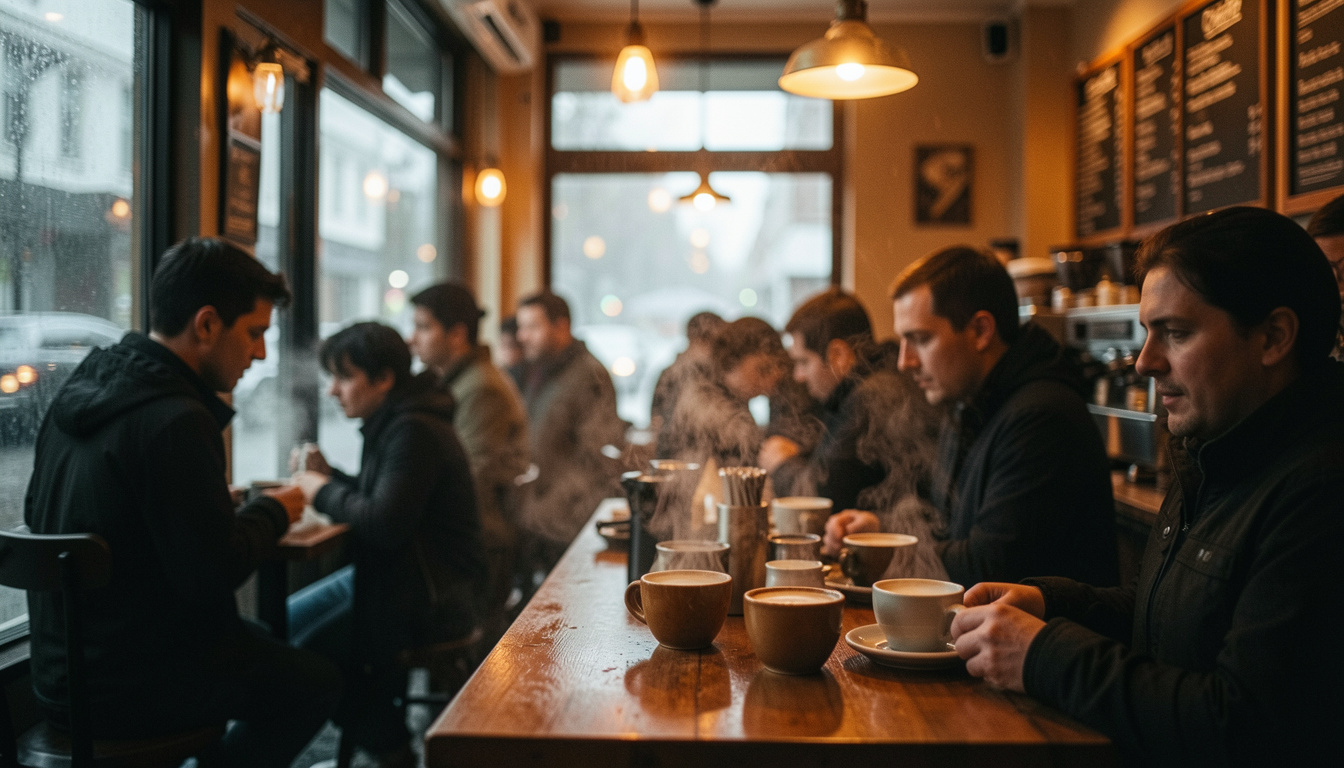
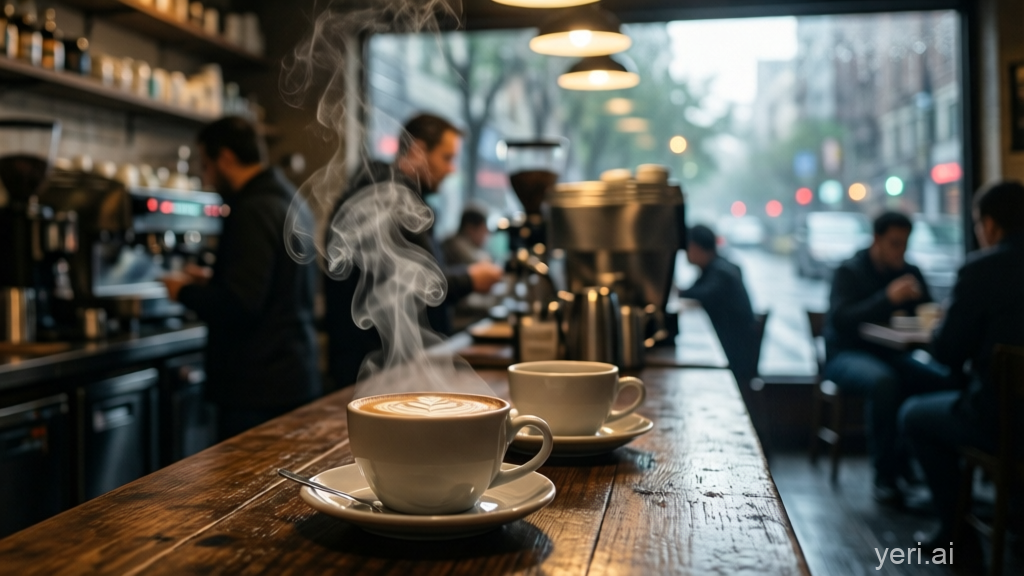
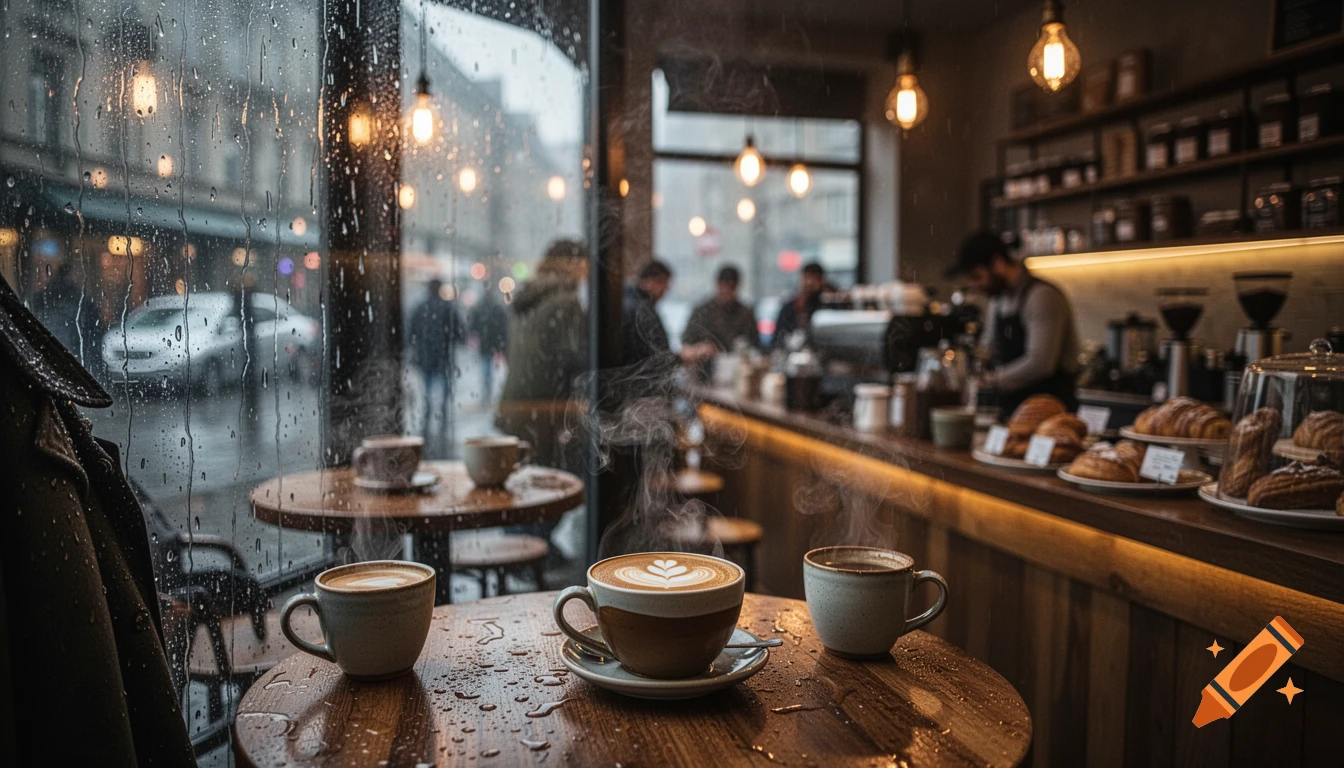
Prompt 1 — Photorealistic Scene “A busy coffee shop interior on a rainy morning. Steam rising from cups, warm lighting, bokeh background, DSLR-style, shallow depth of field, ultra-realistic.”
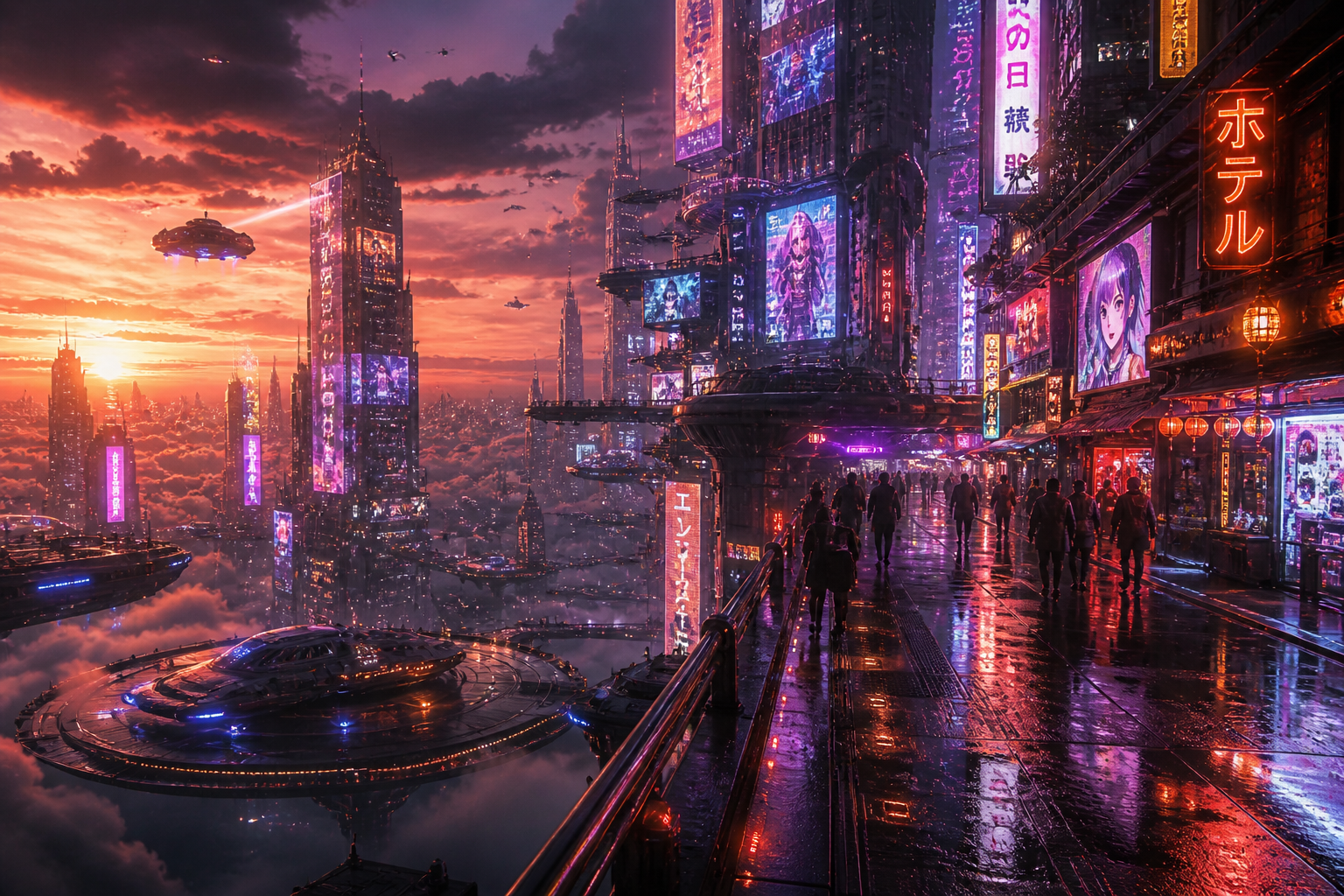
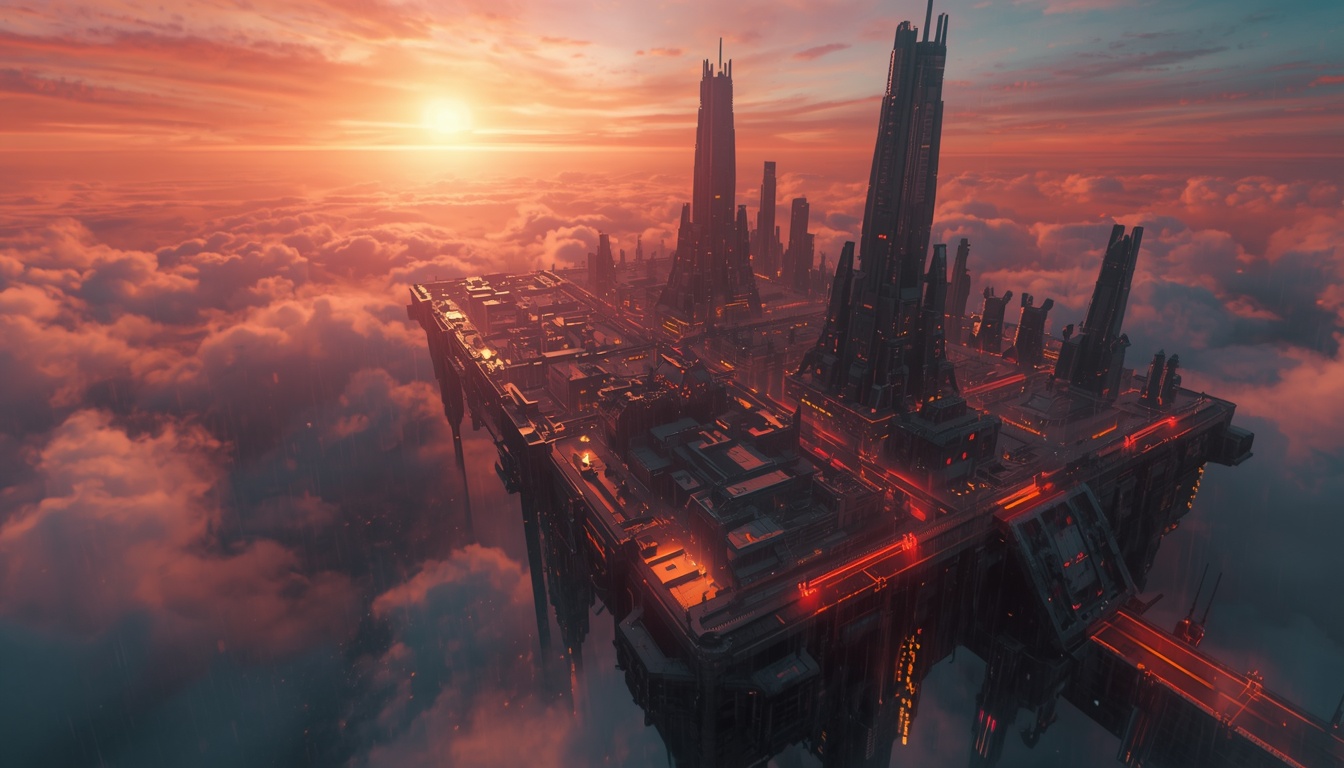
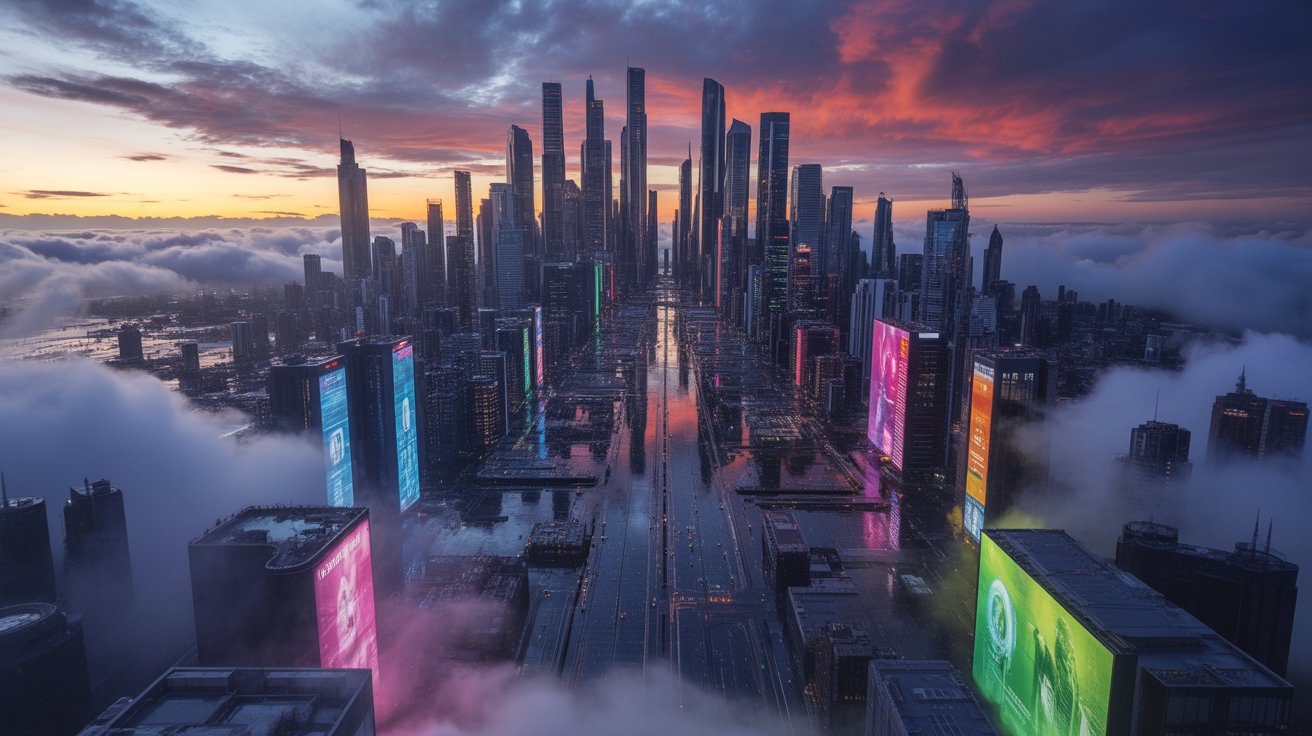
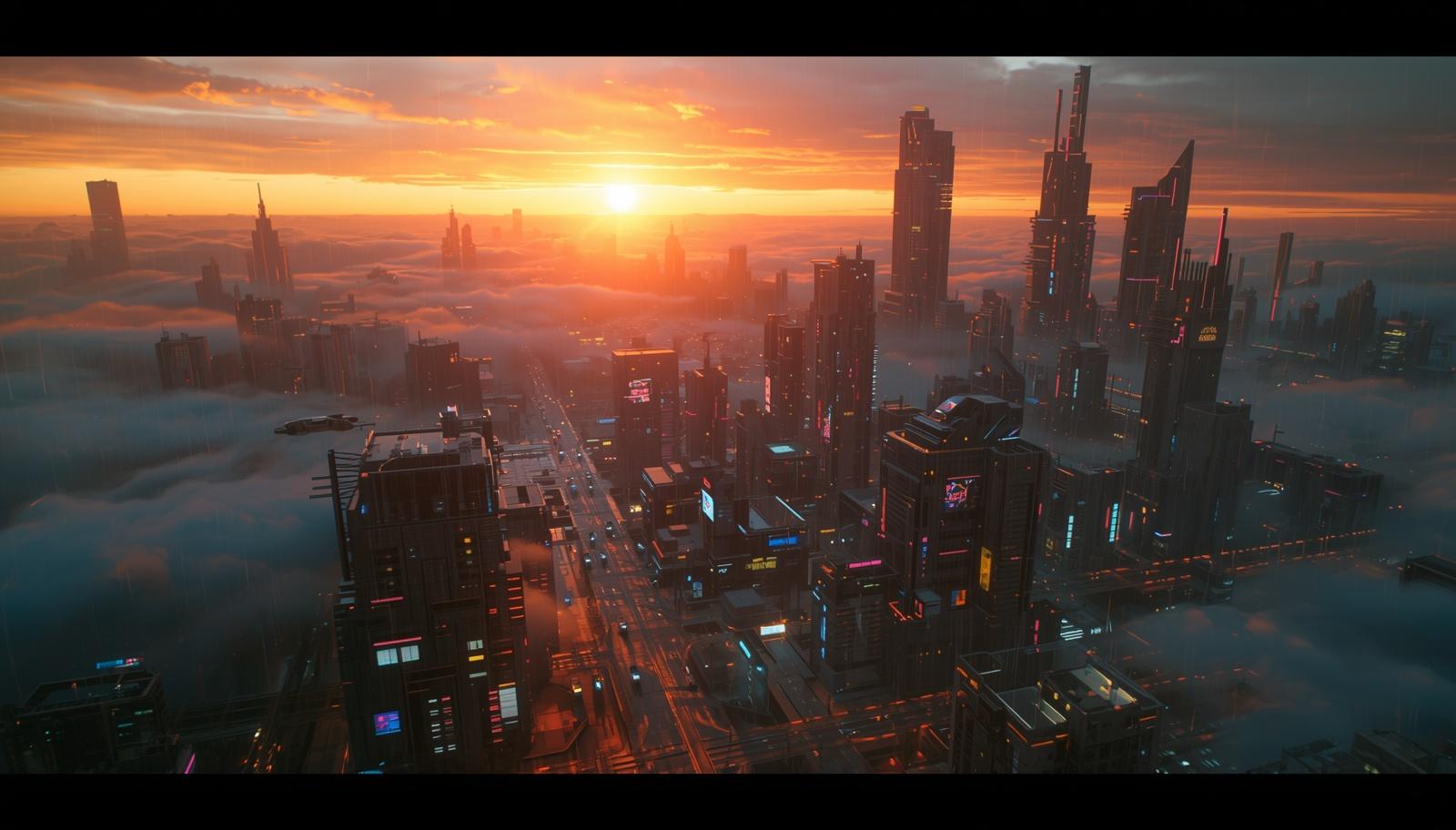
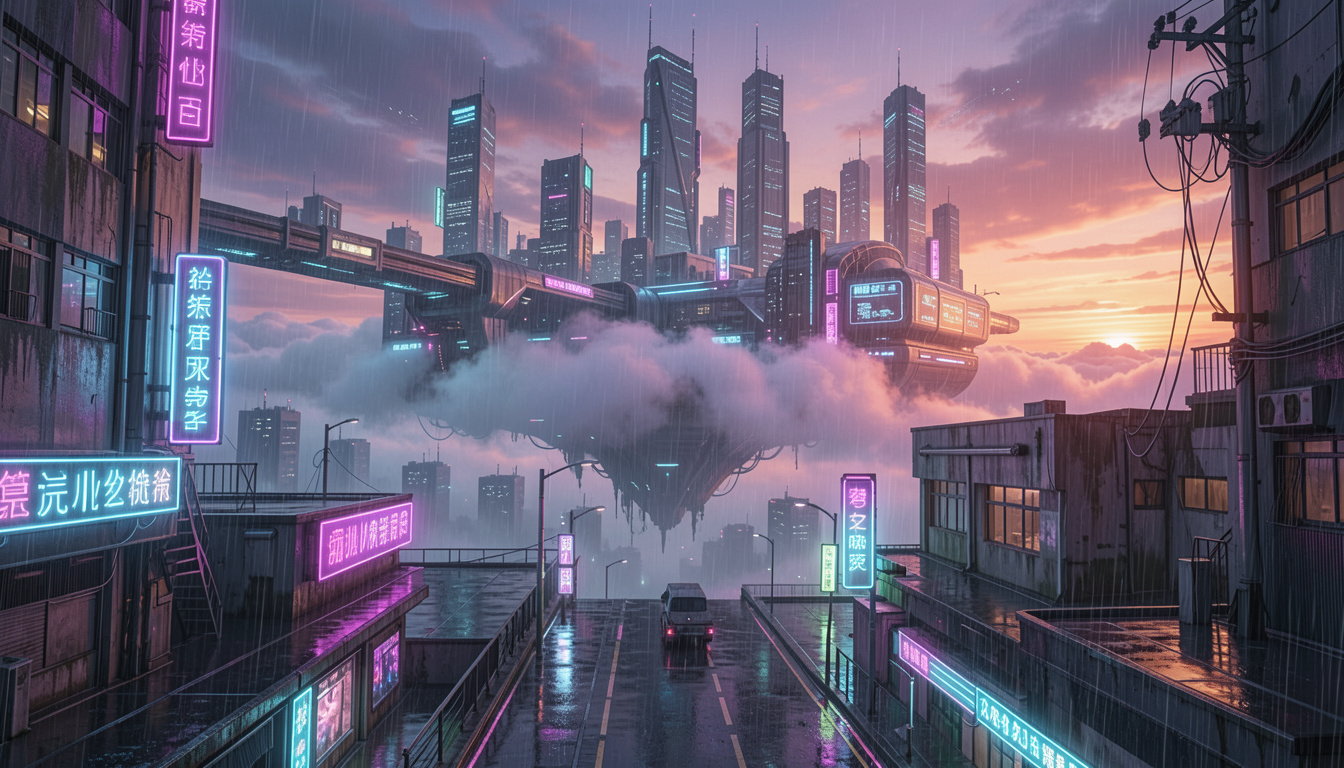
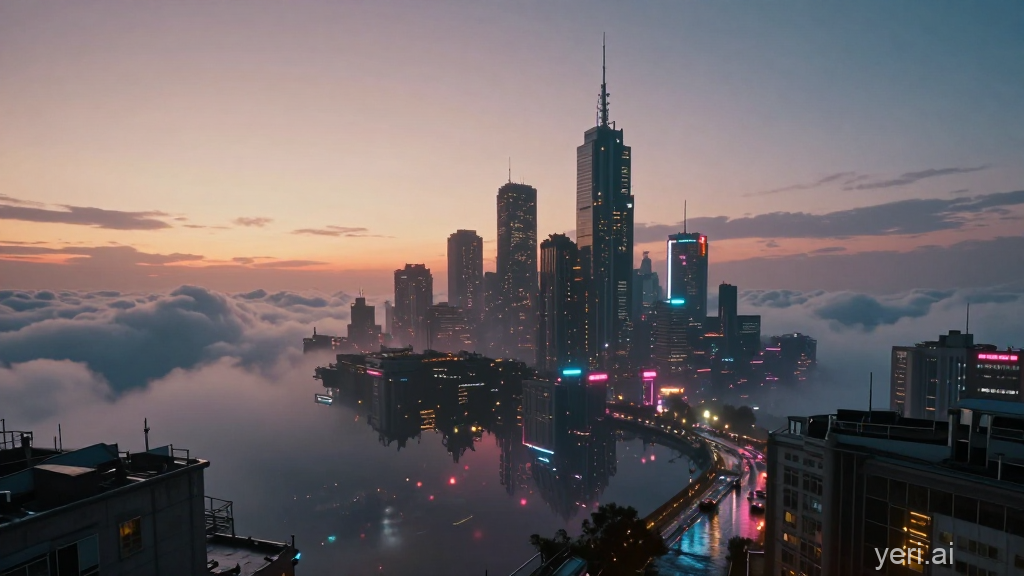
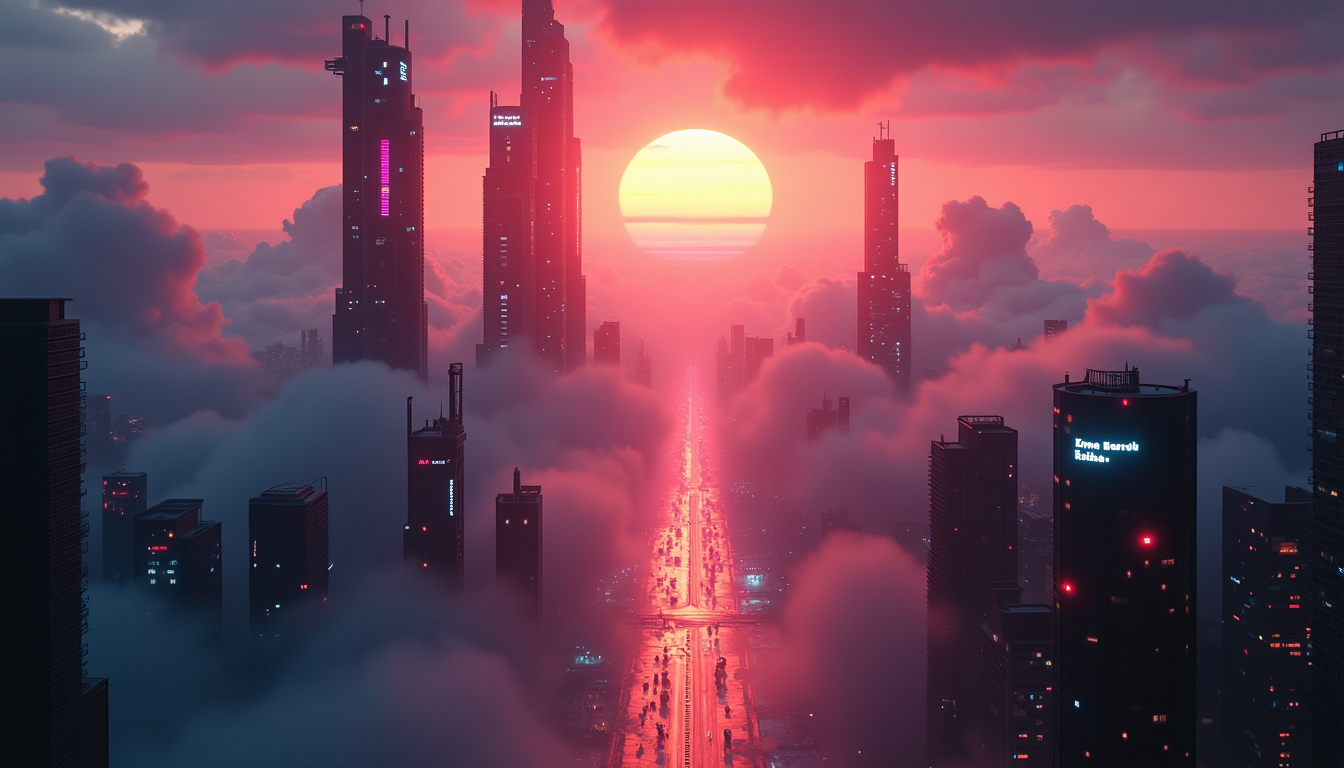
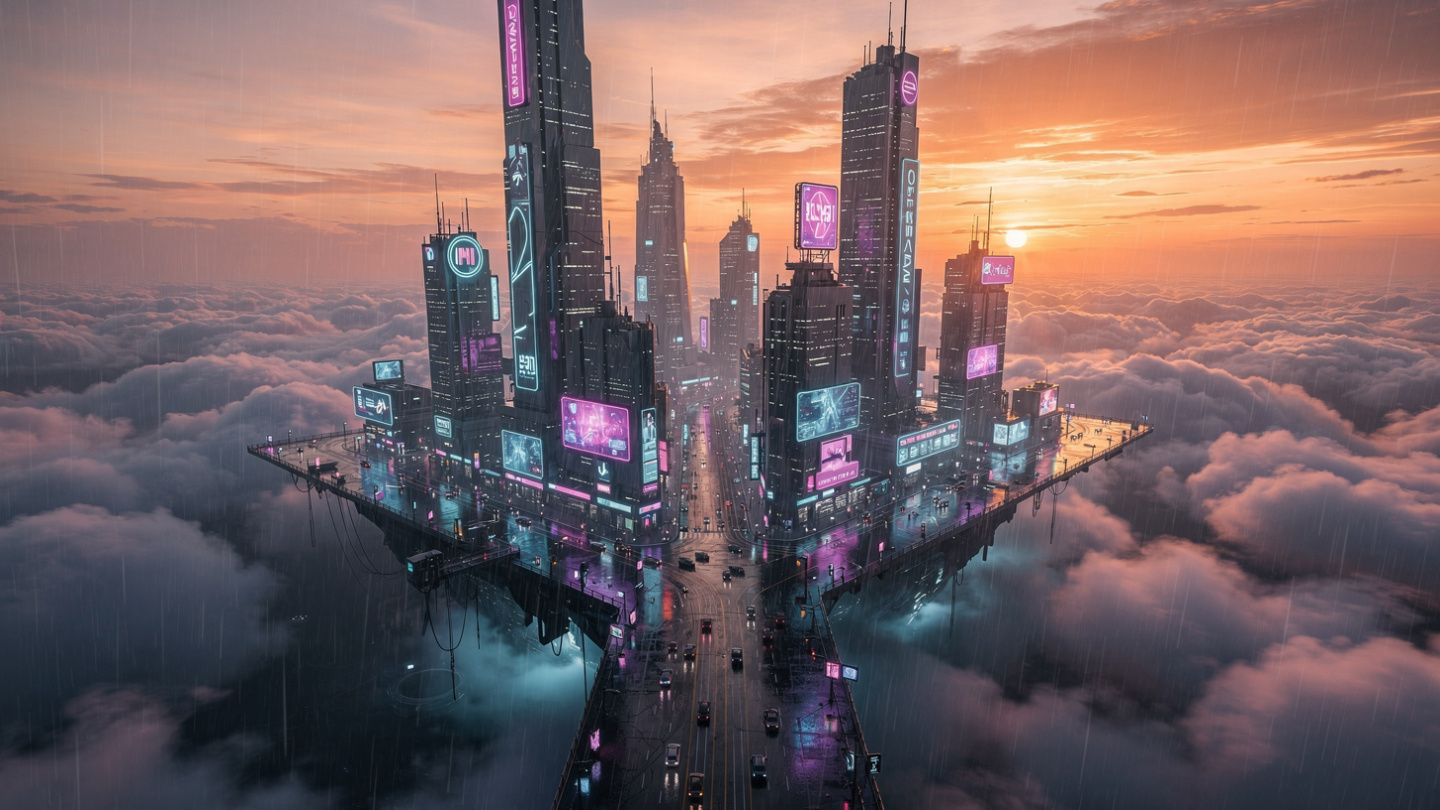
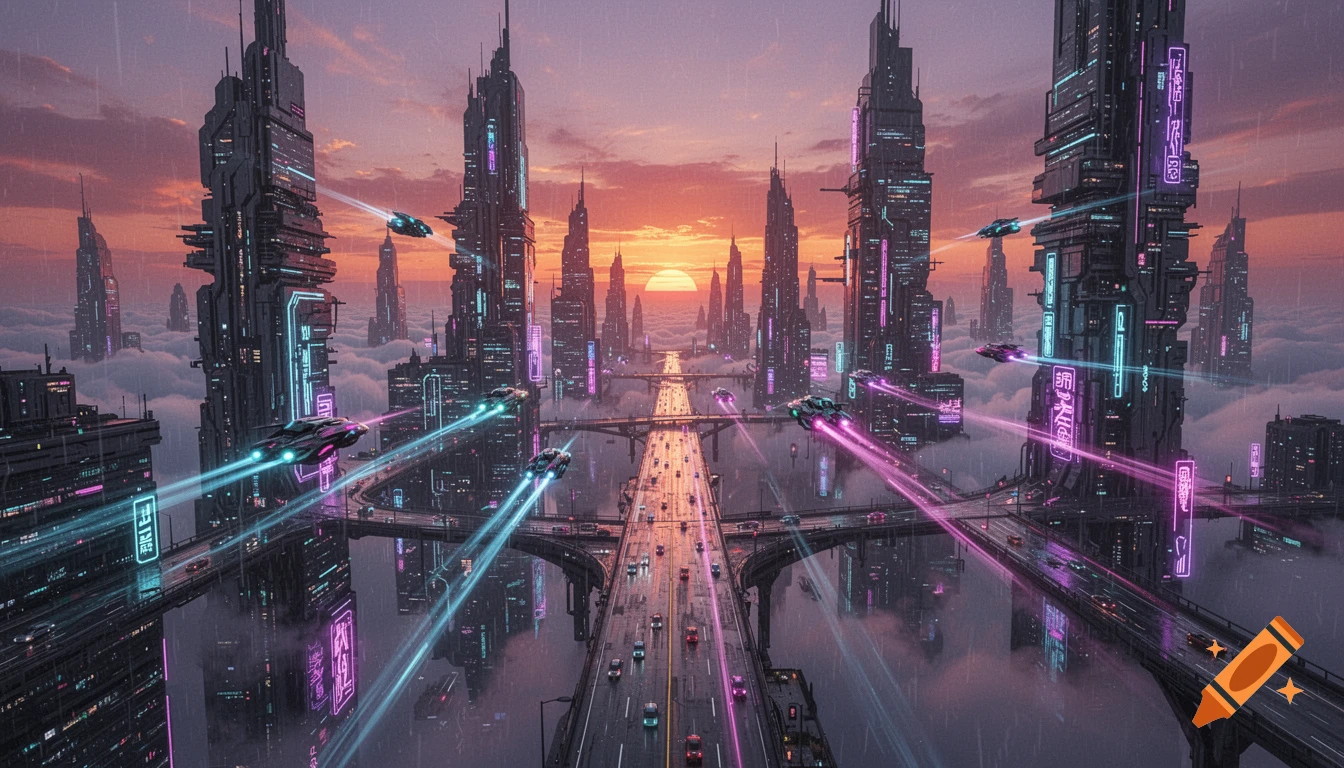
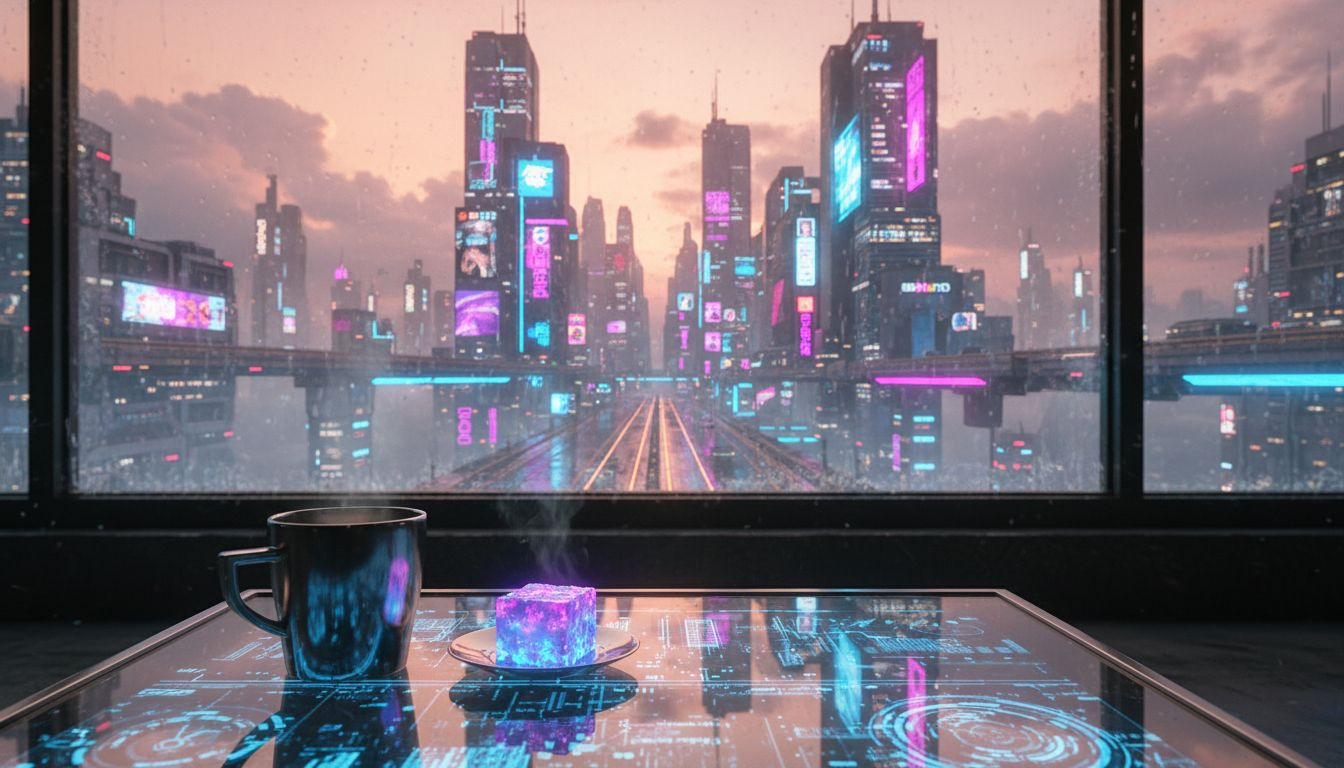
Prompt 2 — Creative and Artistic “A futuristic city floating above clouds at sunset, cyberpunk style, neon lights reflecting on rain soaked streets, cinematic wide angle.”
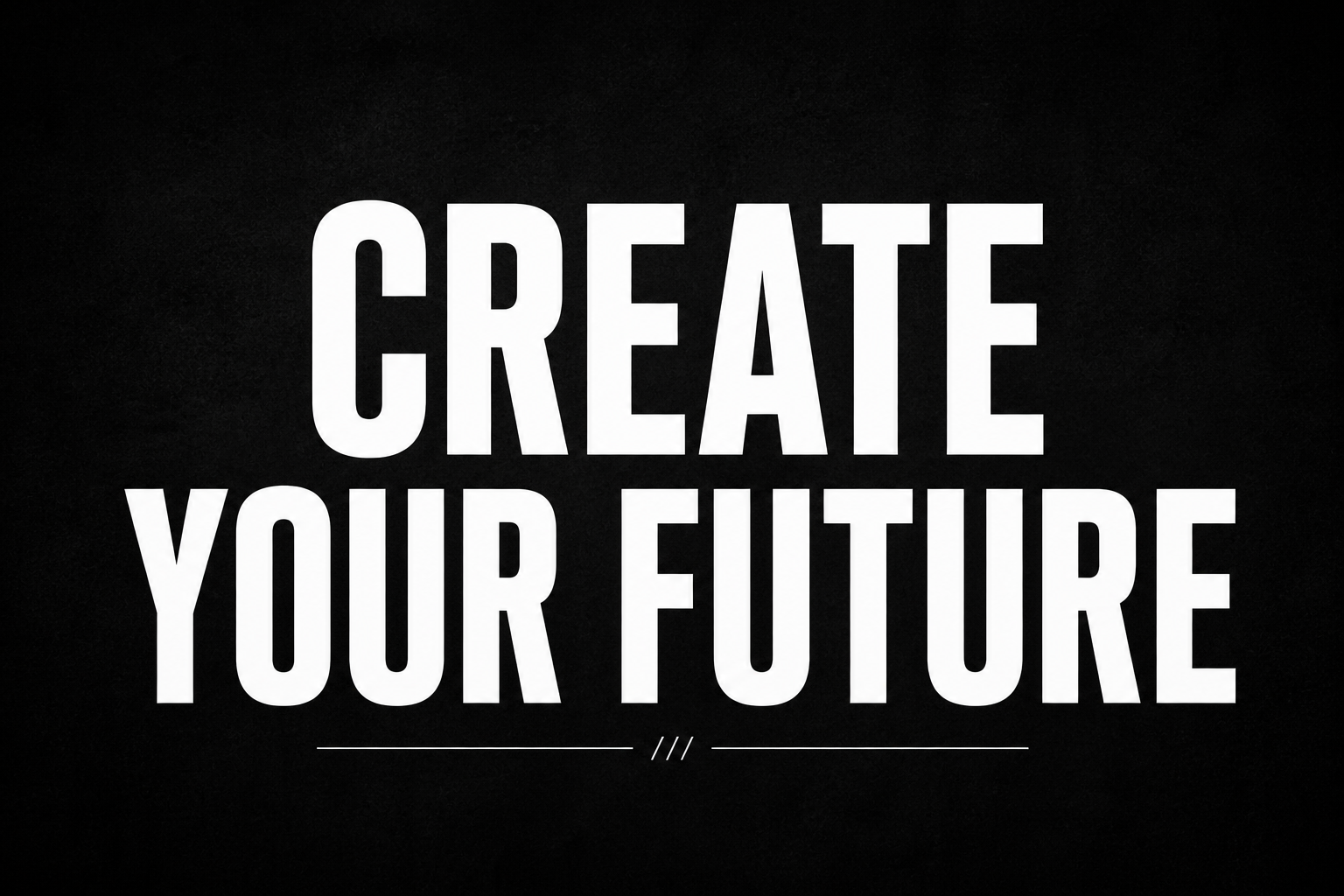
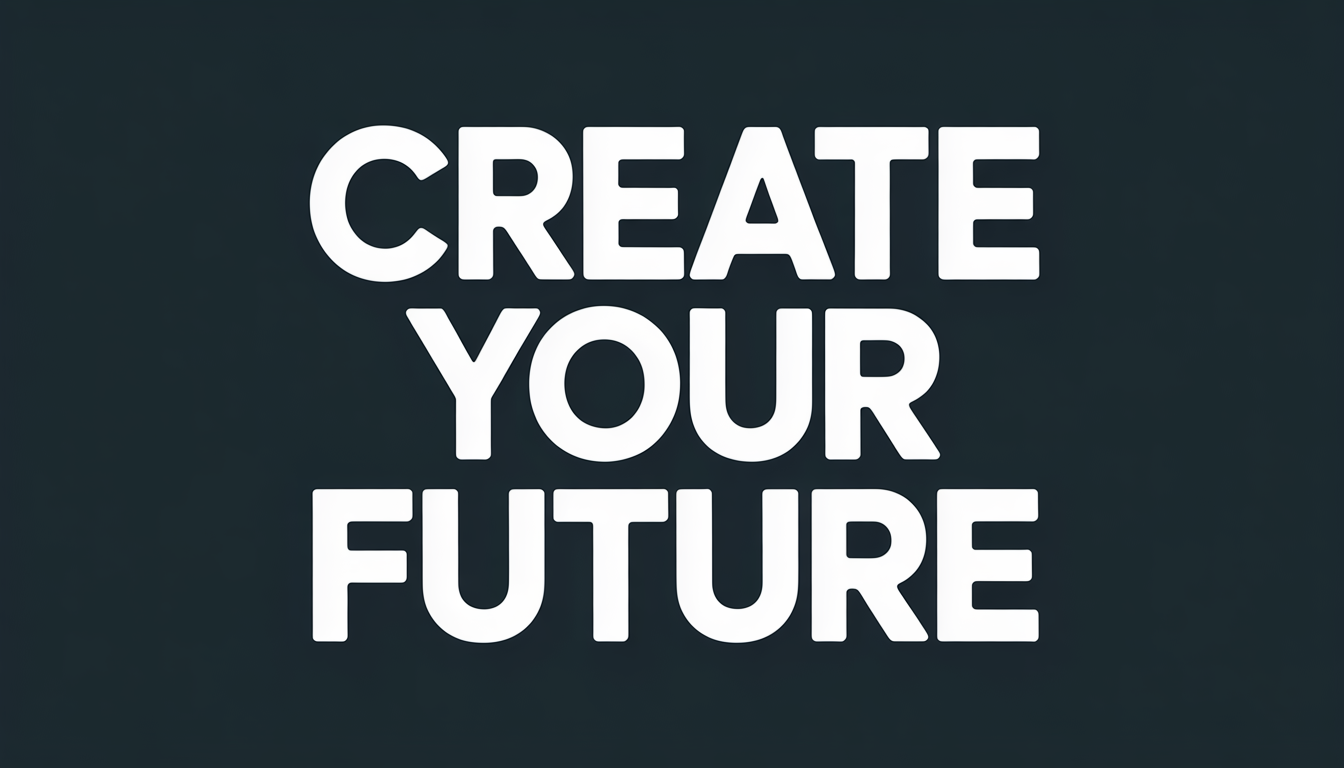
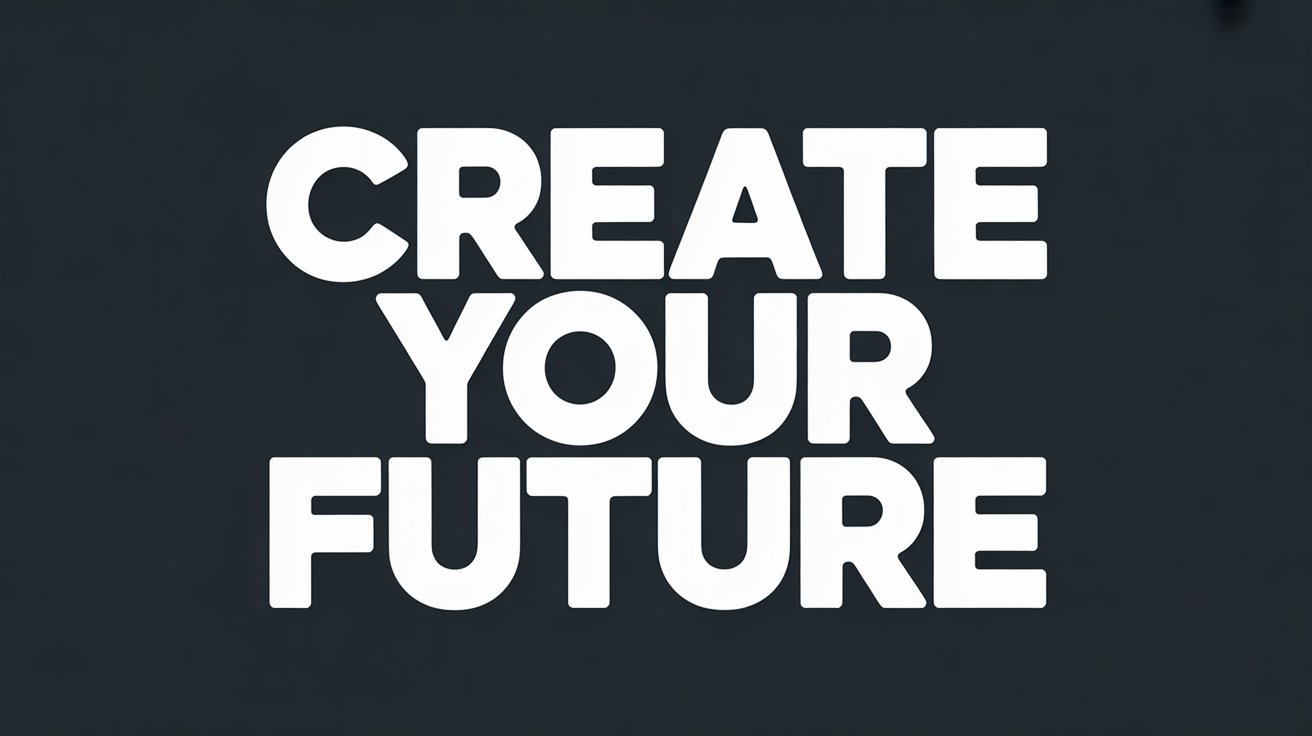
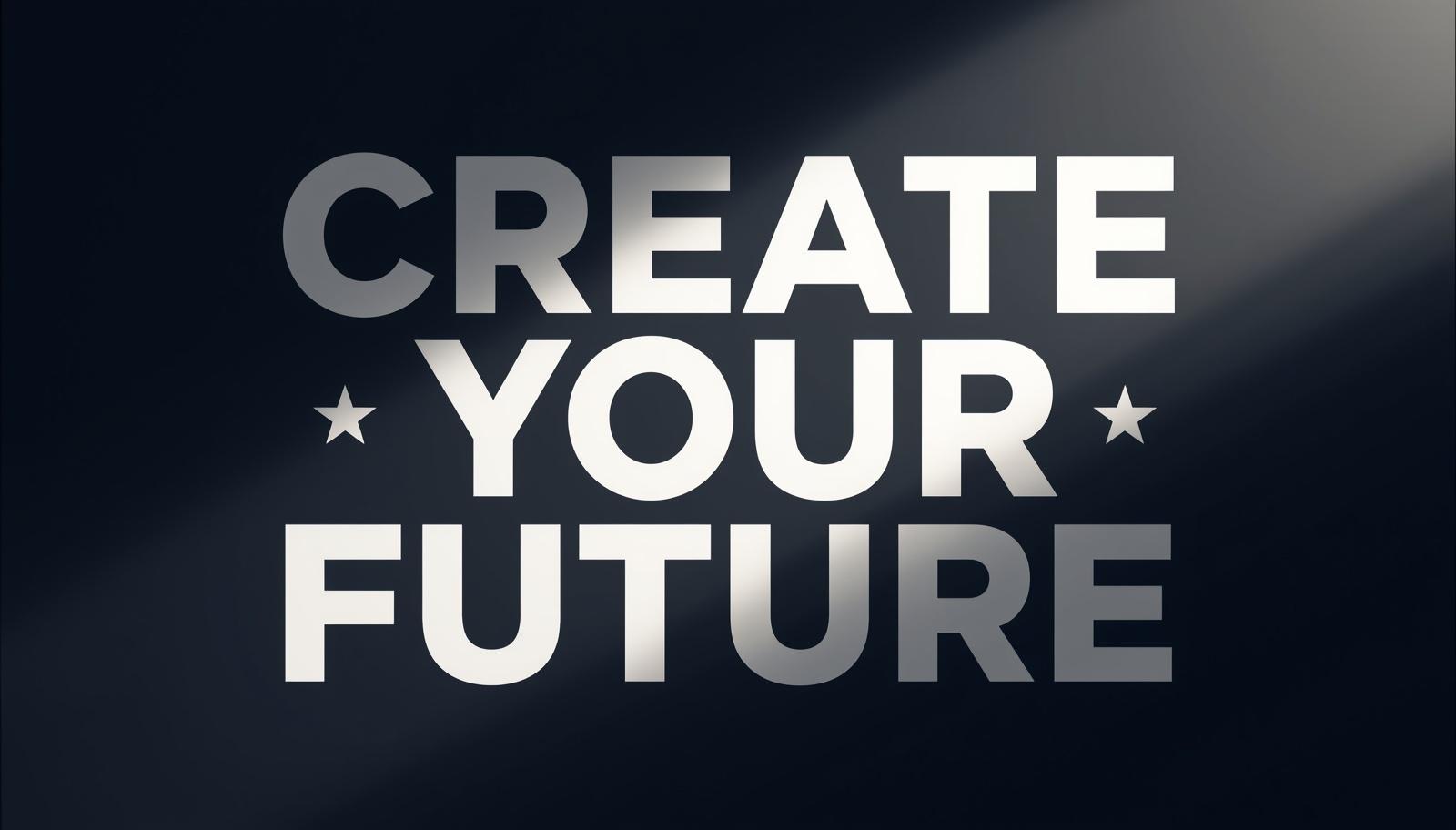
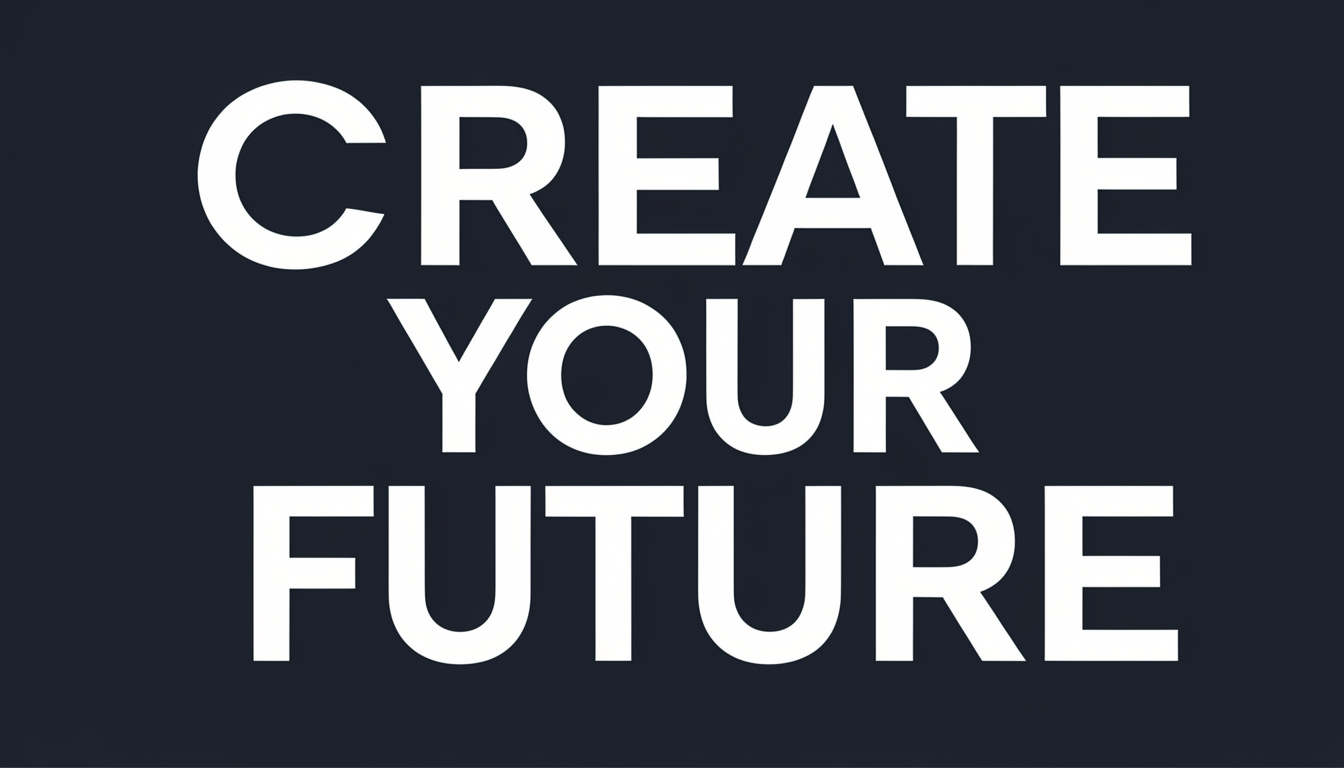
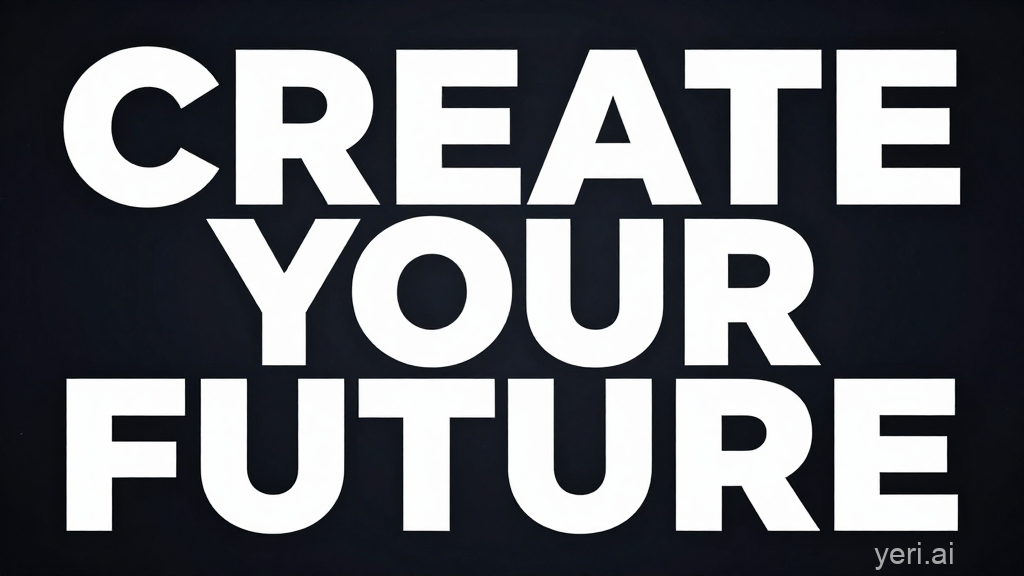
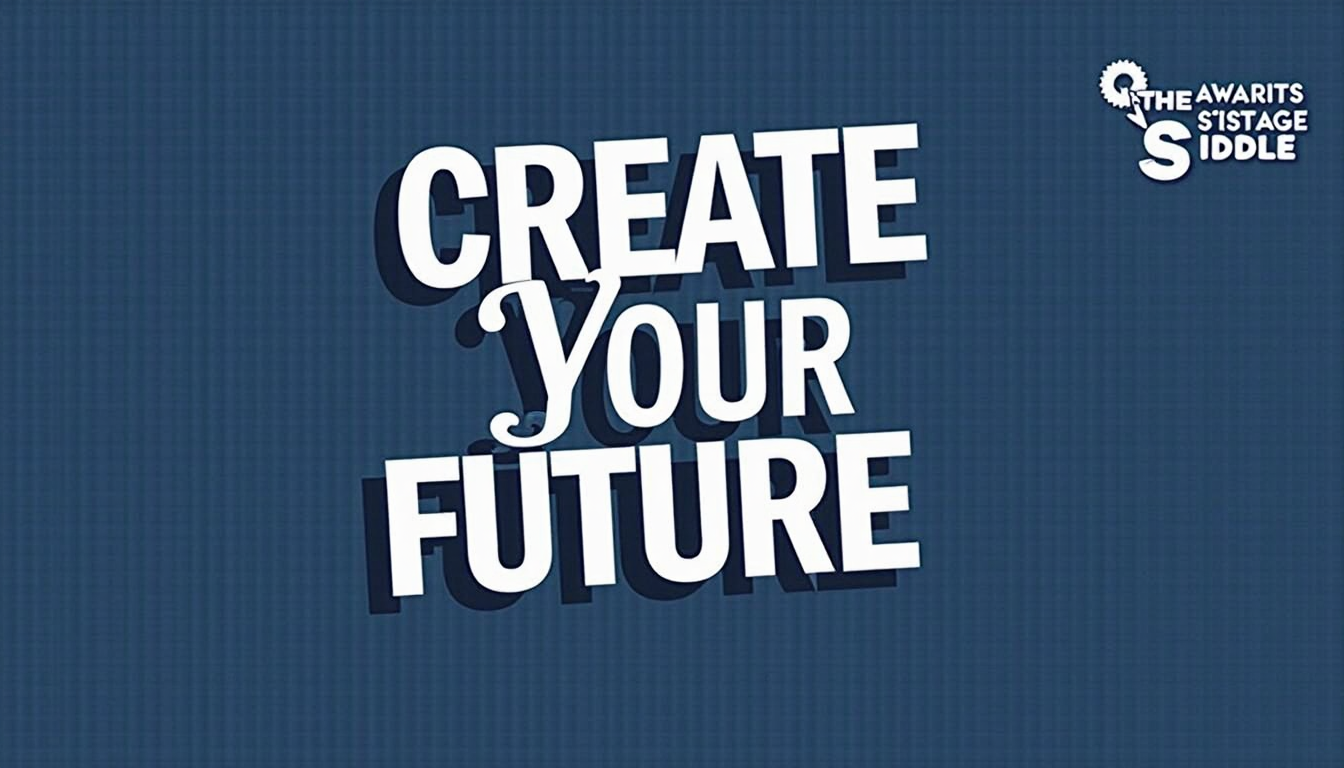
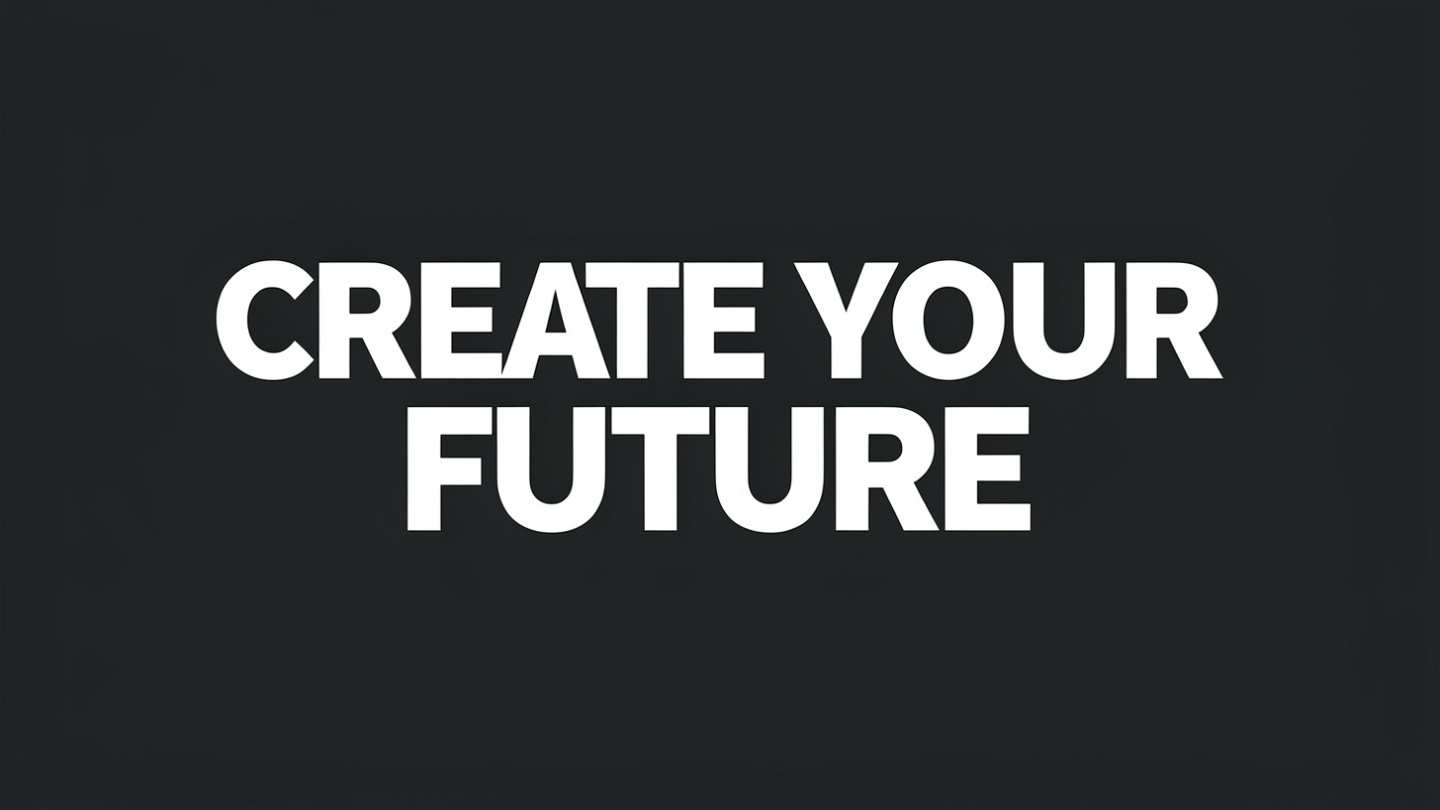
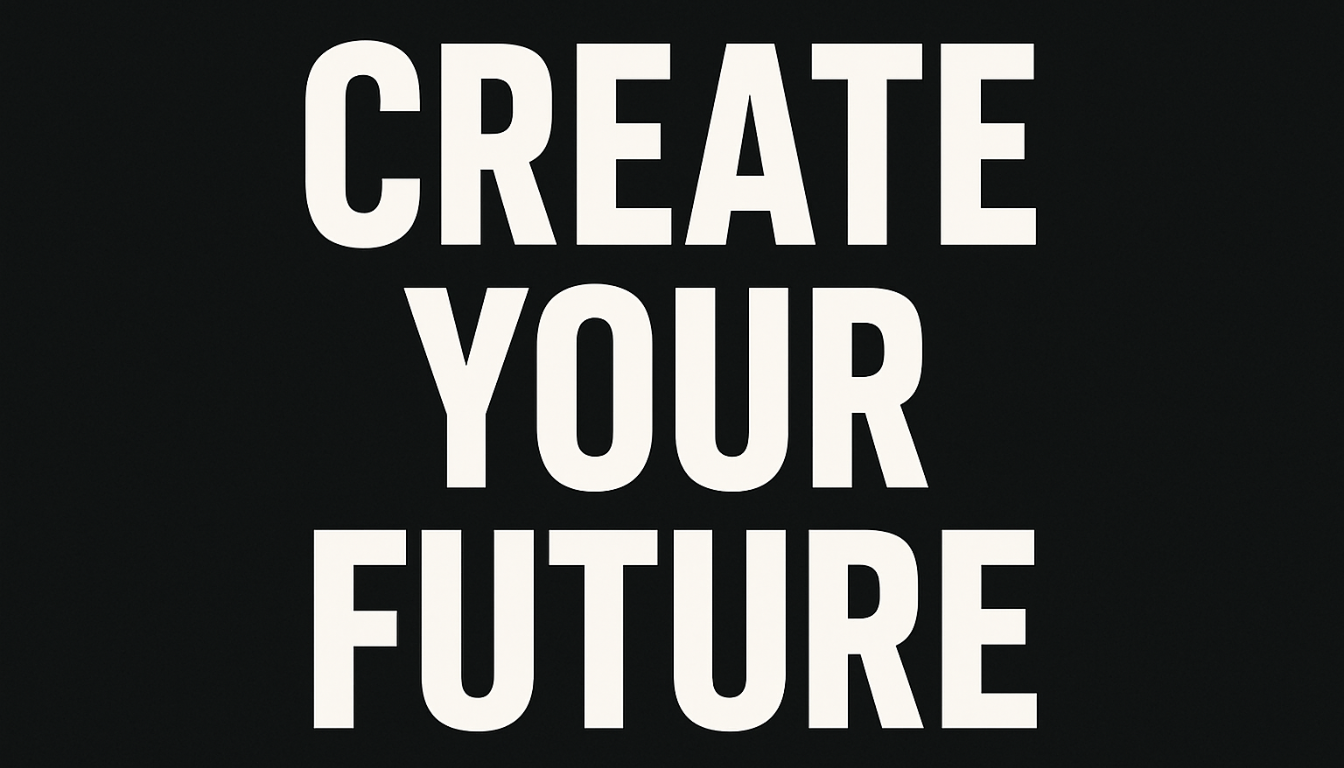
Prompt 3 — Text Inside an Image “A motivational poster with bold text reading CREATE YOUR FUTURE in large sans-serif font, minimal design, dark background, white text.”
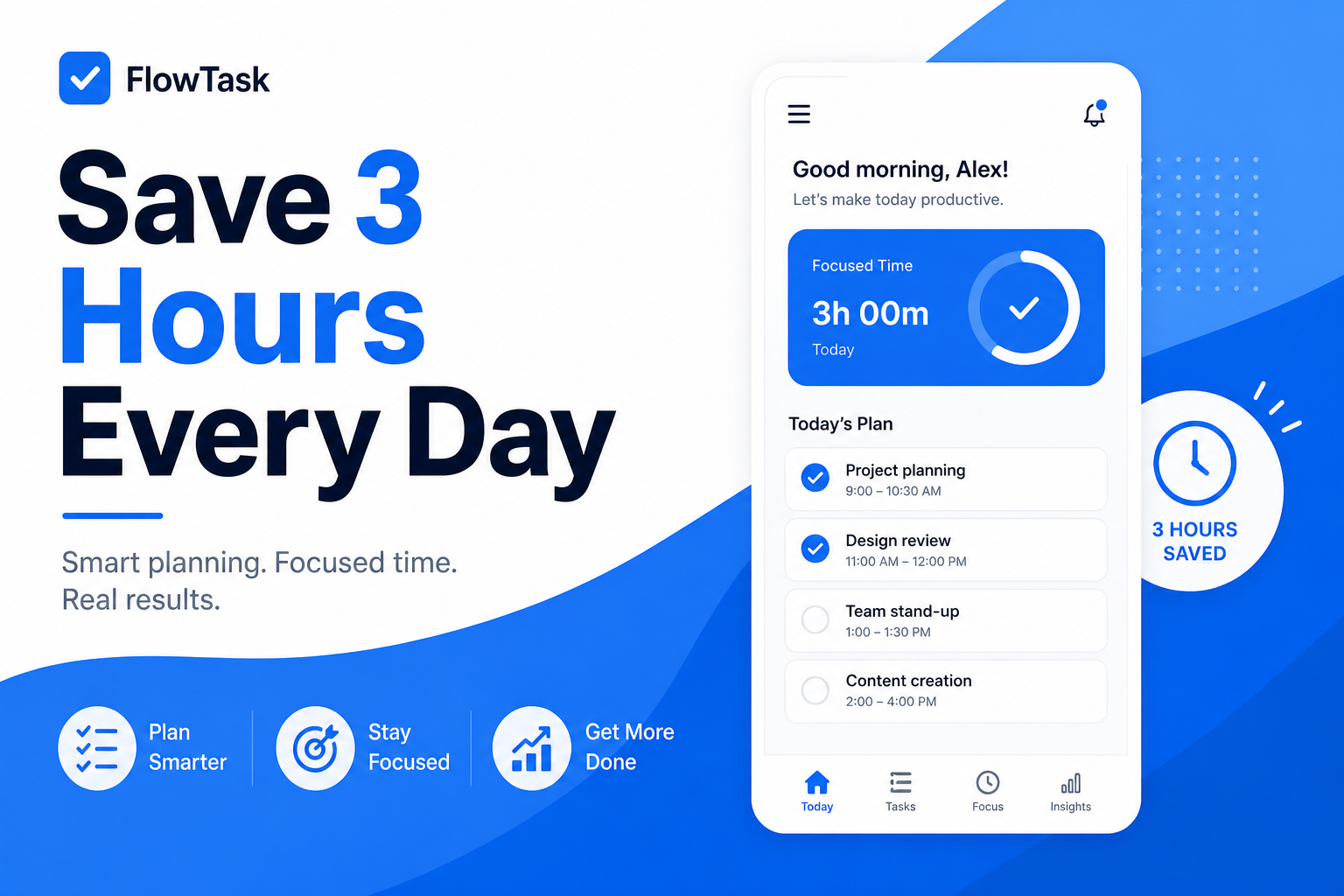
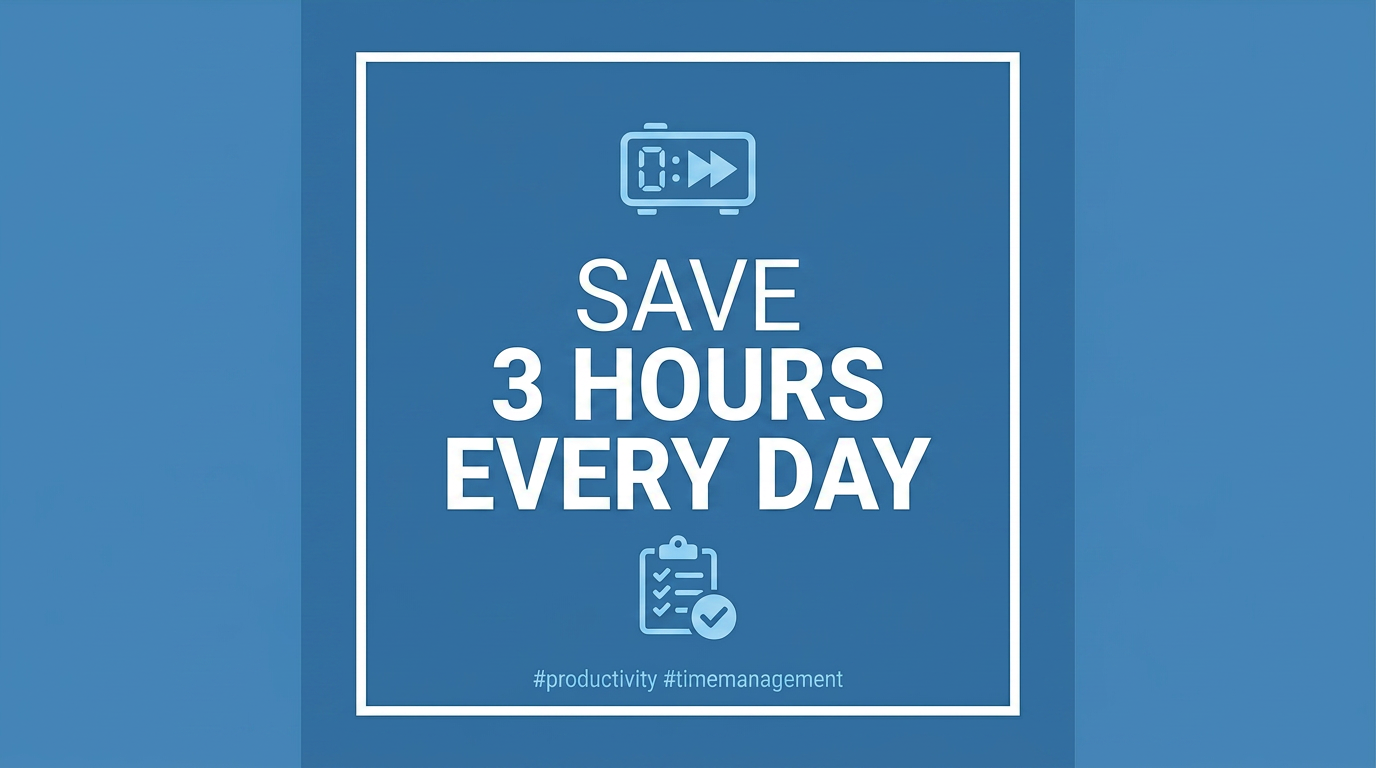
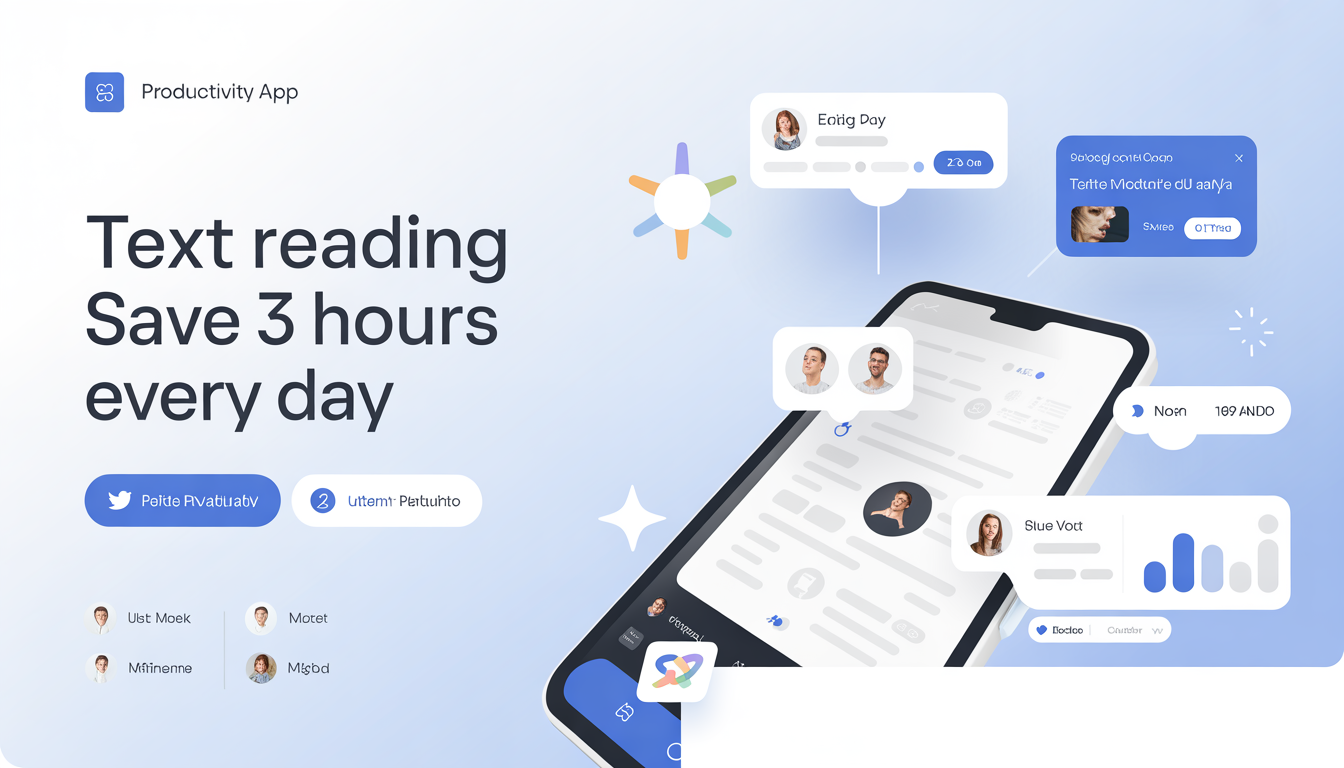
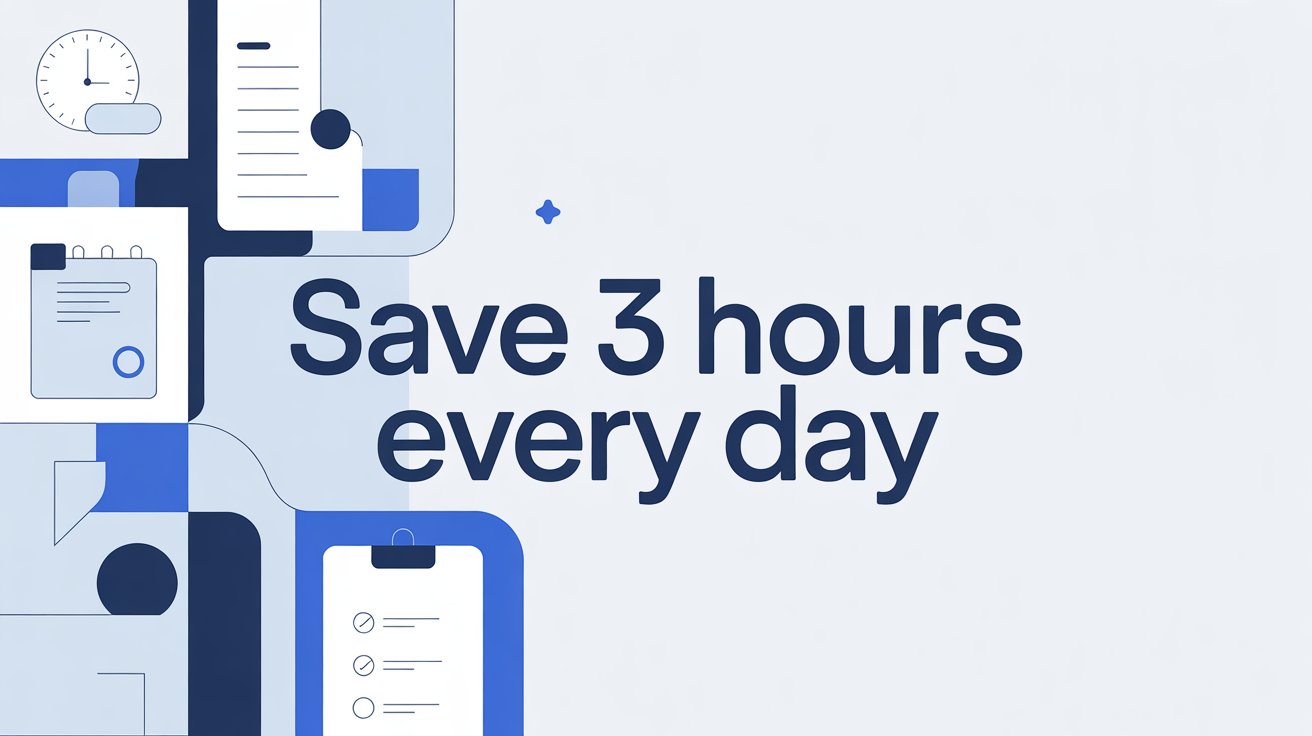
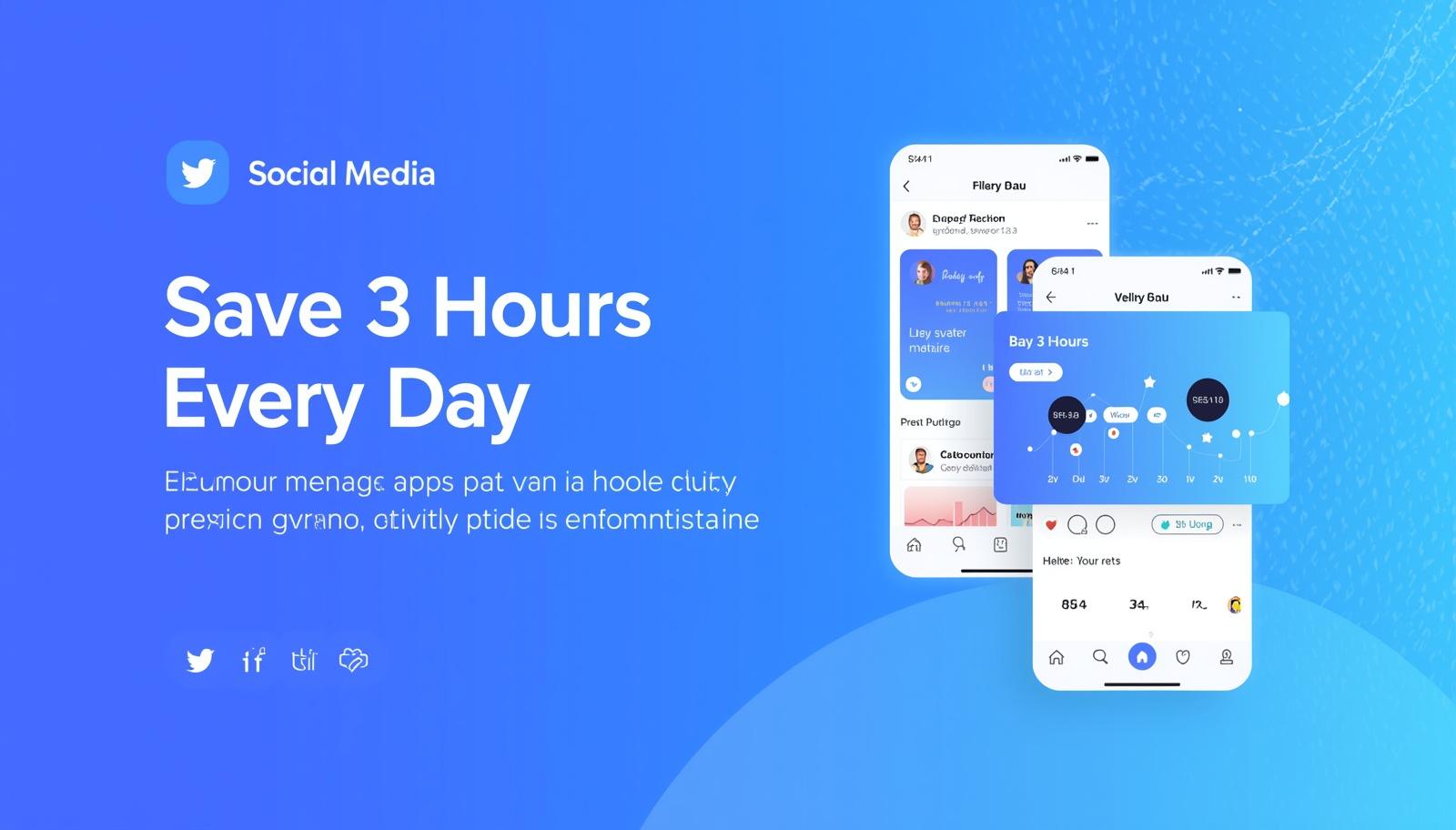
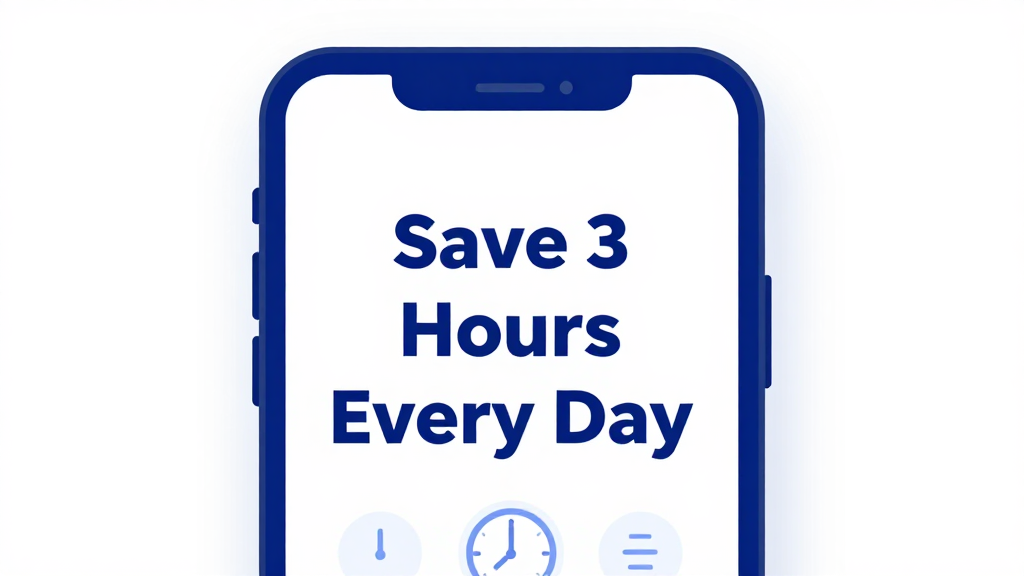
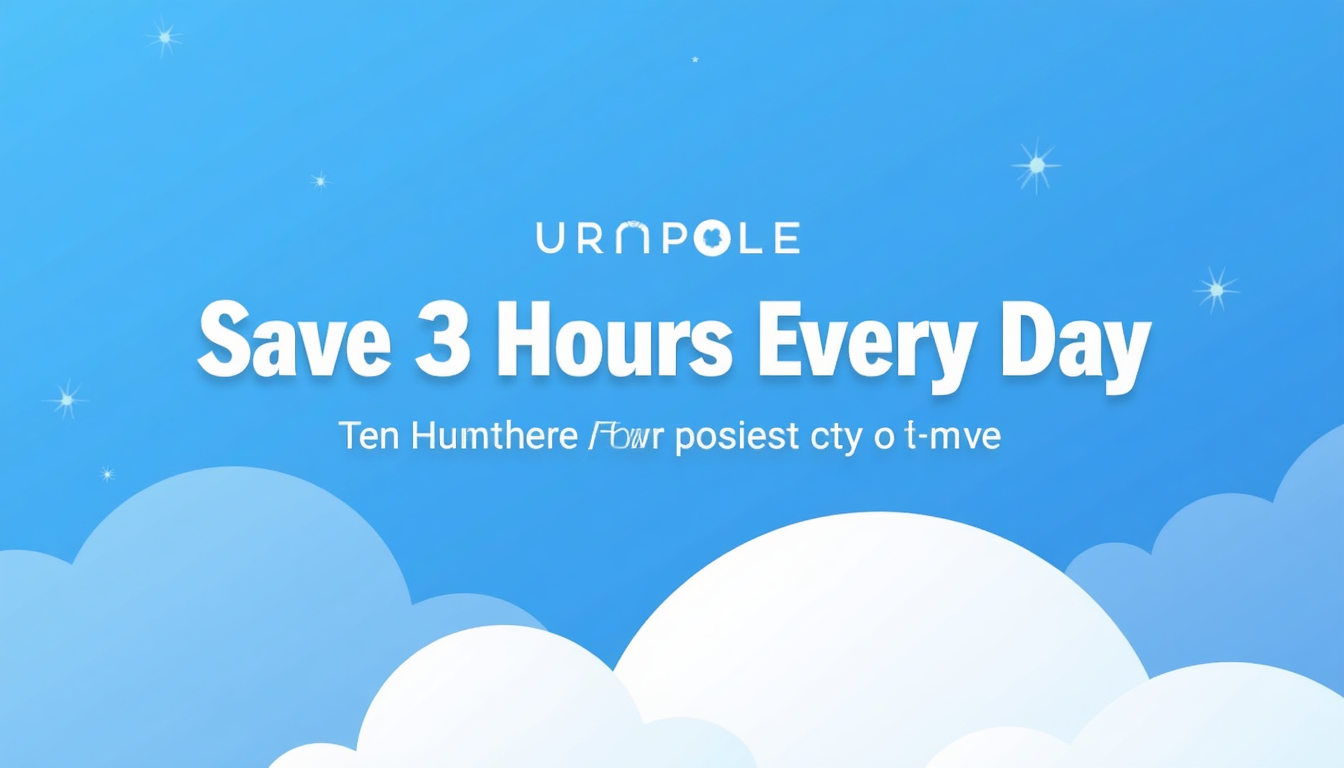
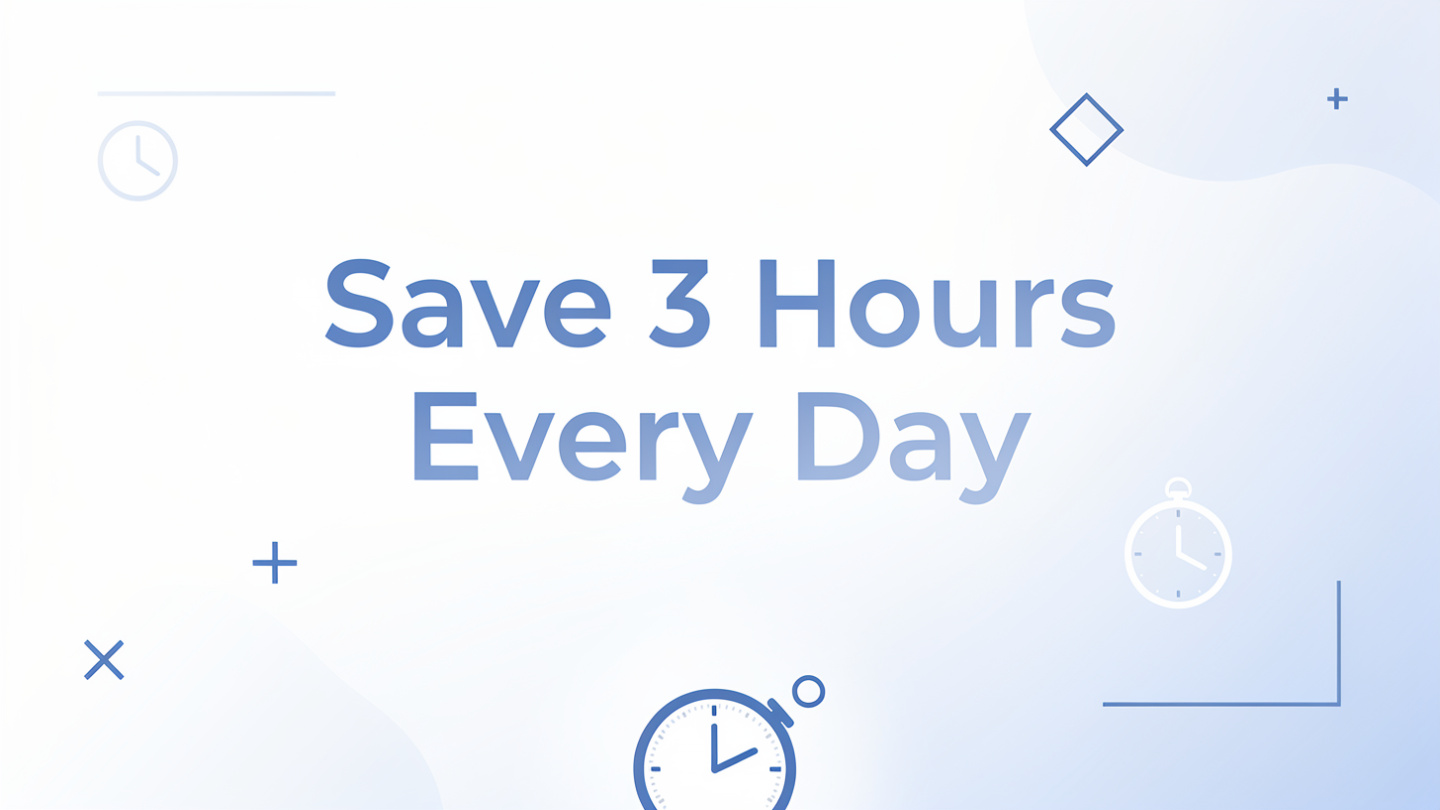
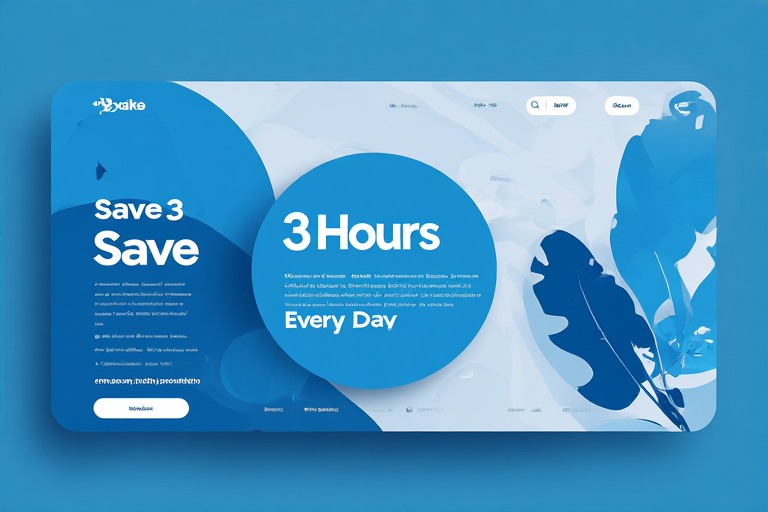
Prompt 4 — Business Use Case “A social media graphic for a productivity app. Clean flat design, blue and white palette, text reading Save 3 Hours Every Day, modern minimal style.”
How I scored each tool:
-
Image quality — prompt accuracy, detail, and realism
-
Free tier generosity — daily limits, watermarks, sign-up requirements
-
Ease of use — time from opening the tool to first generated image
-
Text rendering accuracy — how well each tool handled Prompts 3 and 4
-
Commercial use rights — what the free tier actually allows legally
Free tier limits were accurate as of April 2026. I recommend verifying current limits directly on each tool’s pricing page before use.
What Makes a Free AI Image Generator Worth Using?
Not all free tiers are created equal. Here is what I looked at when deciding whether a tool was genuinely worth recommending.
-
Image quality on the free plan — not the paid plan, not the homepage samples. What does the free tier actually produce?
-
Free tier generosity — how many images you get, how often the limit resets, and whether a credit card is required just to start.
-
Sign-up requirement — some people want to generate an image right now without creating another account. I noted clearly which tools work with zero sign-up.
-
Commercial use rights — using a free tier image for client work without checking the terms is a real legal risk. The differences between tools here are significant.
-
Ease of use — the best free AI image generator is the one you will actually use. I timed how long it took me to go from opening each tool to generating my first image.
Quick Comparison Table: All 15 Tools at a Glance
I tested all 15 free AI image generators online personally in April 2026. Here is everything you need to pick the right tool before diving into the full reviews.
| Tool | Best For | Free Limit | Sign-Up | Watermark | Text in Images | Commercial Use |
| Google Gemini | Best overall quality | 100/day | Yes | No | Good | Yes |
| ChatGPT GPT Image 1.5 | Conversational editing | 2 to 3/day | Yes | No | Excellent | Yes |
| Bing Image Creator | Unlimited bulk use | Unlimited | Yes | No | Average | Yes |
| Adobe Firefly | Commercial safety | 25/month | Yes | Yes | Good | Yes |
| Leonardo.ai | Designers and freelancers | 150 tokens/day | Yes | No | Good | Yes |
| Ideogram | Text inside images | 10/week | Yes | No | Excellent | Yes |
| Canva AI | Non-designers | 50 lifetime | Yes | No | Average | Yes |
| Freepik AI | Content marketers | Limited daily | Yes | No | Average | Yes |
| Grok xAI | X platform users | Limited daily | Yes | Yes | Average | Yes |
| Stable Diffusion | Full creative control | Unlimited | Yes | Yes | Average | Yes |
| FLUX | Open source photorealism | Limited daily | No | No | Poor | Yes |
| Meta AI | Casual everyday use | Unlimited | Yes | No | Average | Yes |
| Craiyon | Zero sign-up use | Unlimited | No | Yes | Average | Yes |
| Perchance AI | Students and hobbyists | Unlimited | No | No | Average | Yes |
| Playground AI | Design focused creators | 100/day | Yes | No | Average | Yes |
1. Google Gemini — Best Free AI Image Generator for Overall Quality
100 images per day, zero cost, best in class quality. Gemini is the strongest free AI image generator I tested in 2026.
Rating: 4.9 out of 5

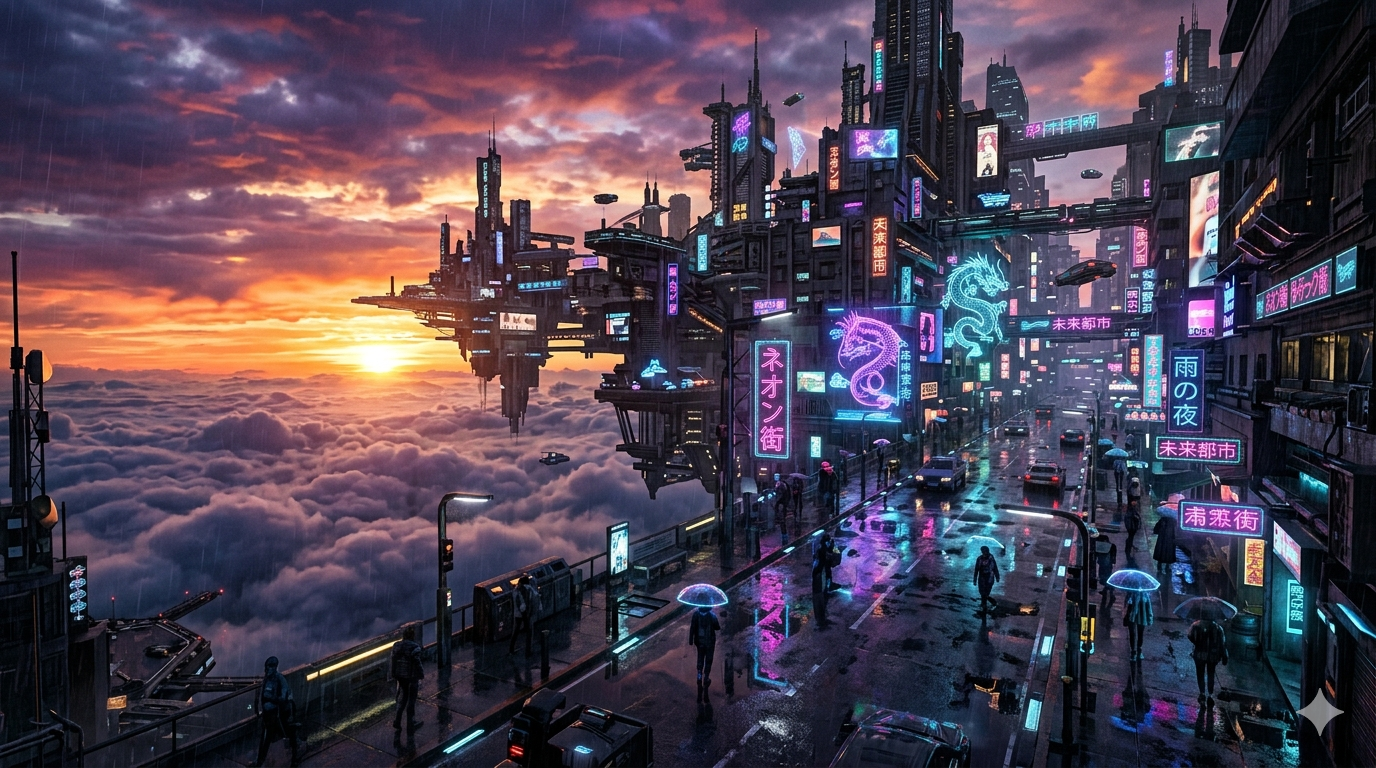
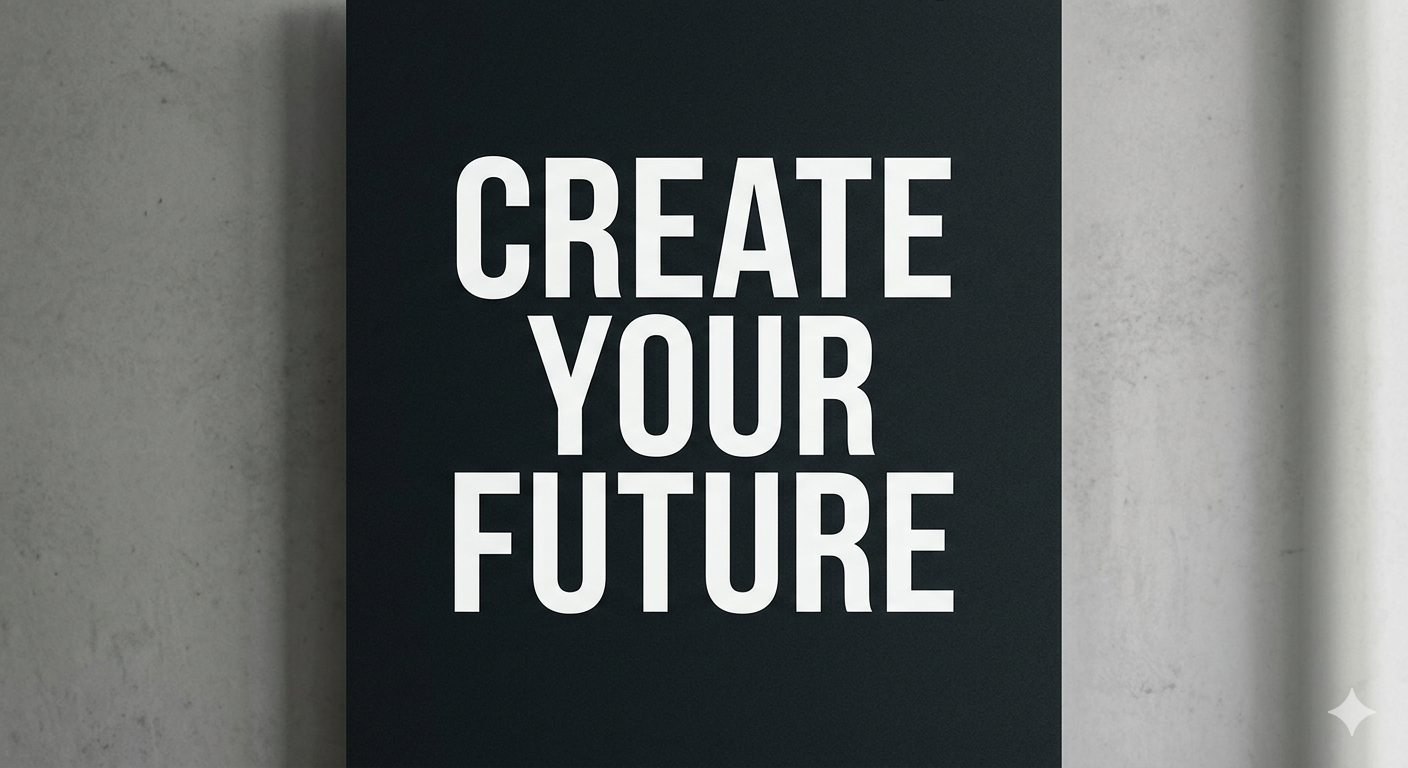
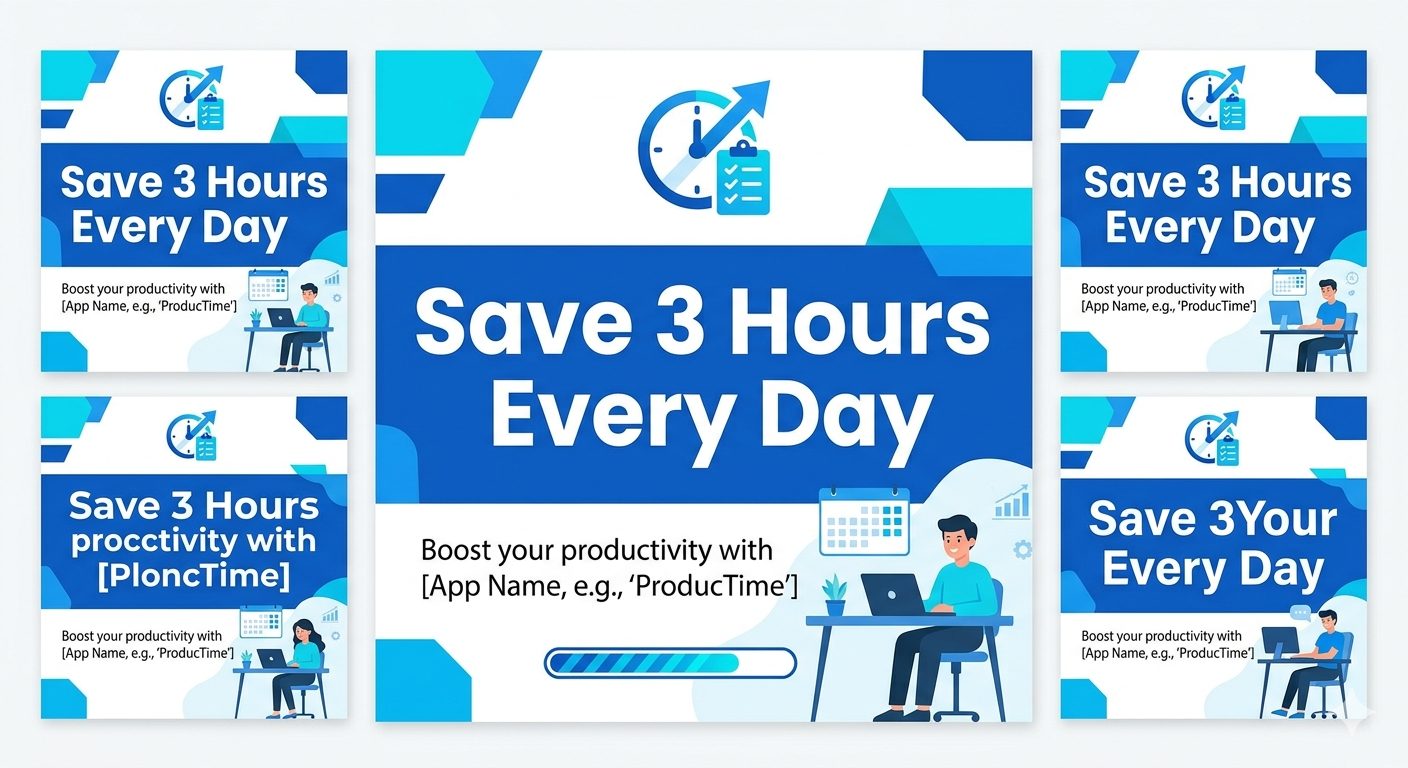
Built by Google and powered by the Nano Banana 2 model, Gemini brings real world knowledge into every image it generates producing results that feel grounded and contextually accurate rather than generically AI-looking.
| What You Get | Details |
| Daily limit | 100 images per day |
| Credit card required | No |
| Watermark | No |
| Sign-up required | Yes |
| Commercial use | Yes |
| Paid plan starts at | $19.99 per month |
Key Features
- 100 free AI images per day — most generous free limit on this list
- Real world knowledge integration for contextually accurate outputs
- Available as a free AI image generator app on Android and iOS
How Does Gemini Work?
- Open Gemini and type your prompt in plain language
- Nano Banana 2 model interprets your prompt using Google’s world knowledge
- Image generates in under 10 seconds — download instantly, no watermark
Real World Use
- Social media graphics — ready to use without editing
- Blog featured images — photorealistic quality out of the box
- High volume needs — 100 daily images covers most professional workflows
| What I Liked | What I Did Not Like |
| 100 images per day completely free | Not a dedicated image tool |
| No credit card required ever | No design features or style controls |
| Best photorealism of all free tools tested | Text spacing occasionally inconsistent |
Gemini is the first tool I recommend to anyone looking for a free AI image generator in 2026. The quality is best in class and the free tier is unmatched. The only reason to look elsewhere is if you need text heavy images or built in design features.
2. ChatGPT (GPT Image 1.5) — Best Free AI Image Generator for Conversational Editing
The only free AI image generator where you can refine your image through conversation without starting over from scratch.
Rating: 4.7 out of 5
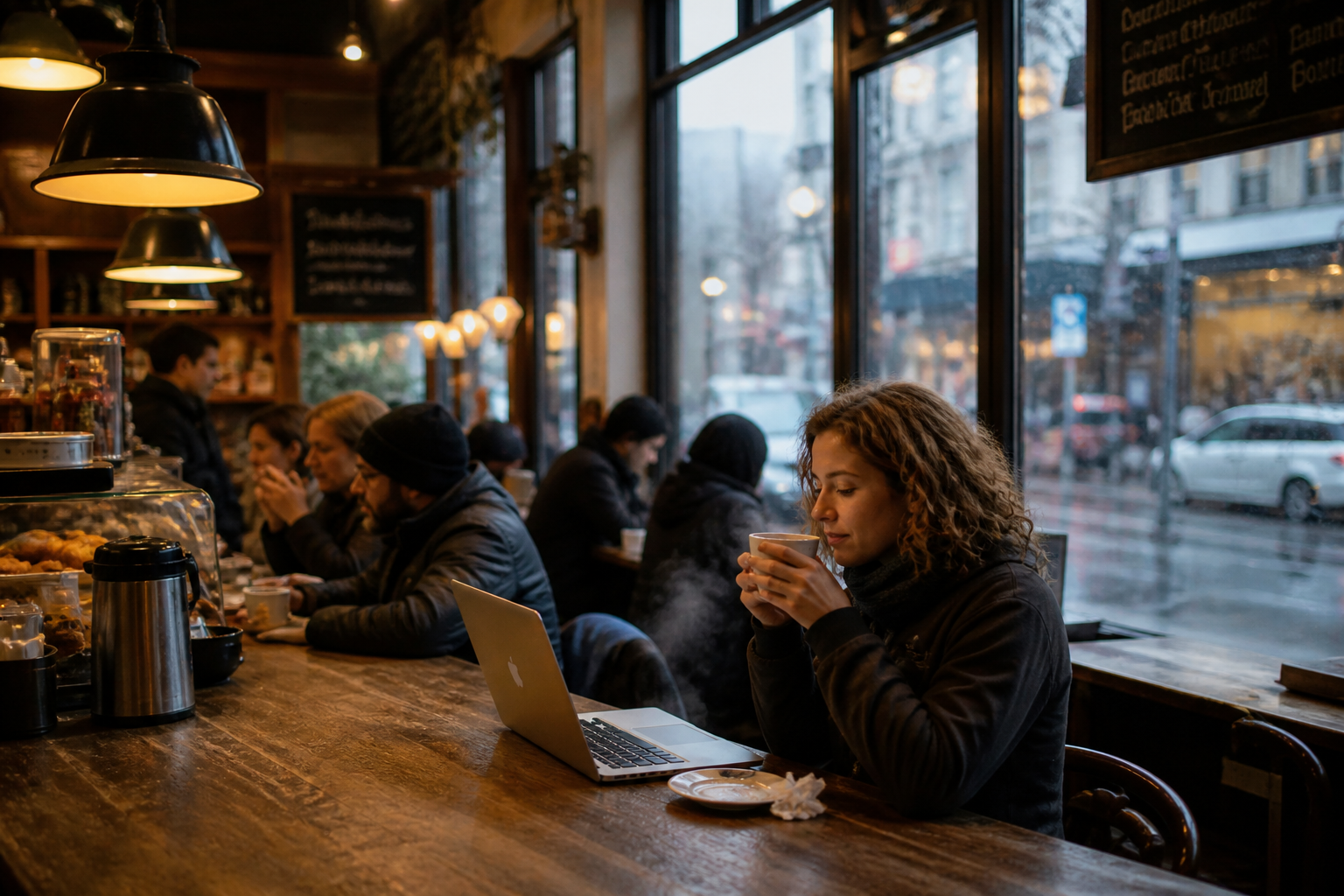
Built by OpenAI and currently holding the top position on LM Arena’s image generation leaderboard, ChatGPT’s image generation is baked directly into the chat interface. You generate, refine, and iterate all inside one conversation window.
| What You Get | Details |
| Daily limit | 2 to 3 images per day |
| Credit card required | No |
| Watermark | No |
| Sign-up required | Yes |
| Commercial use | Yes |
| Paid plan starts at | $20 per month |
Key Features
- Conversational image editing without regenerating from scratch
- Best in class text rendering inside images — only tool alongside Ideogram that passed Prompt 3 perfectly
- Upload and edit your own existing images directly inside ChatGPT
How Does GPT Image 1.5 Work?
- Describe what you want in plain language inside ChatGPT
- GPT Image 1.5 generates one image based on your prompt
- Refine through conversation — “make it warmer” or “change the background” — model re-renders without losing context
Real World Use
- Poster and graphic design — text rendering accuracy makes it reliable for word heavy visuals
- Photo editing — upload existing images and apply specific changes instantly
- Beginners — plain language prompts, no prompt engineering knowledge needed
| What I Liked | What I Did Not Like |
| Conversational editing is genuinely unique | 2 to 3 images per day is the stingiest free limit on this list |
| Text rendering accuracy is best in class | No dedicated image workspace or style controls |
| Upload and edit existing images | Single image per generation, no batch options |
ChatGPT is the tool I recommend for anyone who needs to iterate quickly or create images with readable text. The free limit of 2 to 3 images per day is restrictive but the quality justifies it. Pair it with Gemini or Bing for volume needs.
3. Bing Image Creator — Best Free AI Image Generator for Unlimited Bulk Use
The only truly unlimited free AI image generator backed by a major tech company. No credit card, no watermark, no daily cap.
Rating: 4.2 out of 5
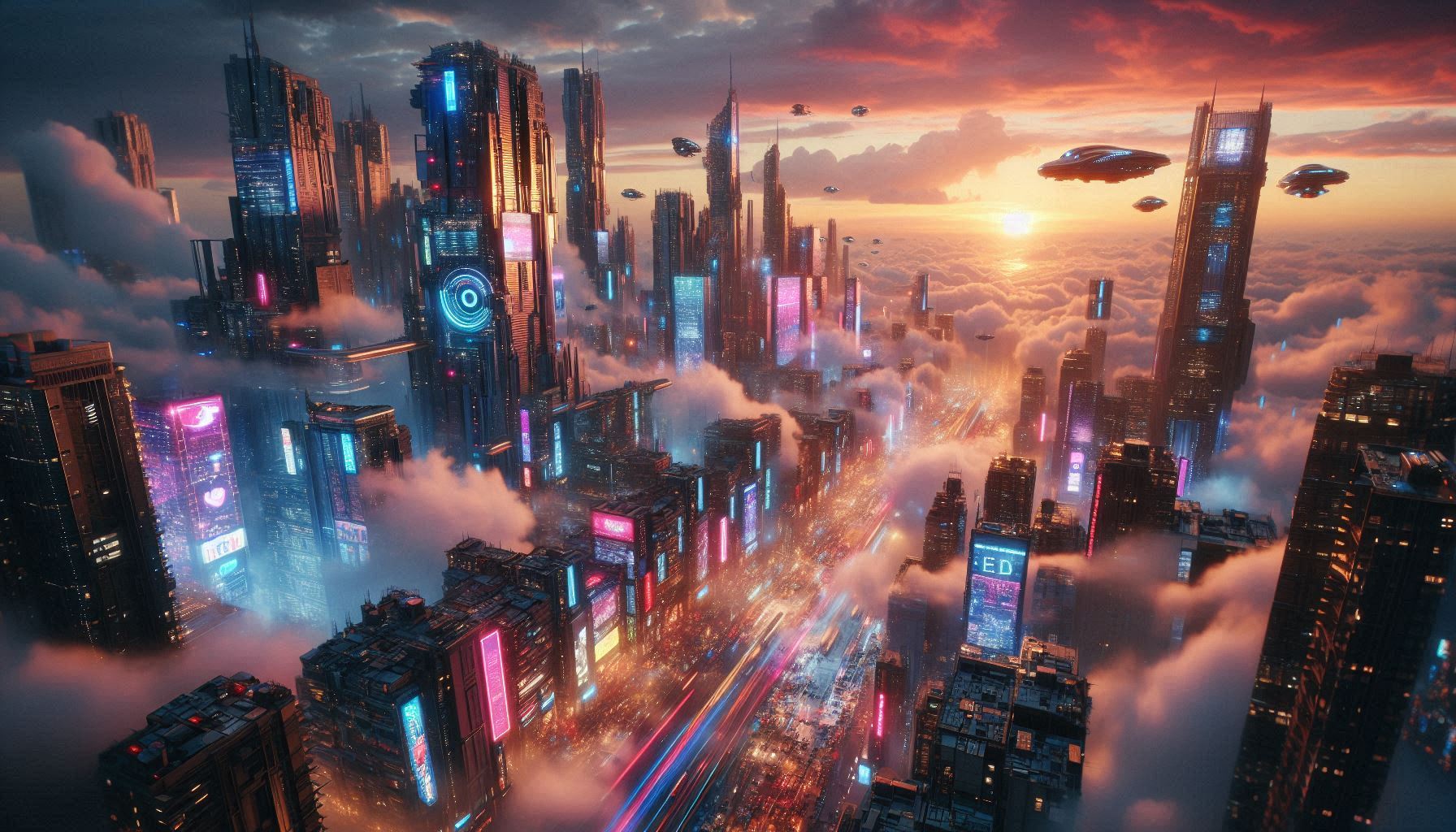
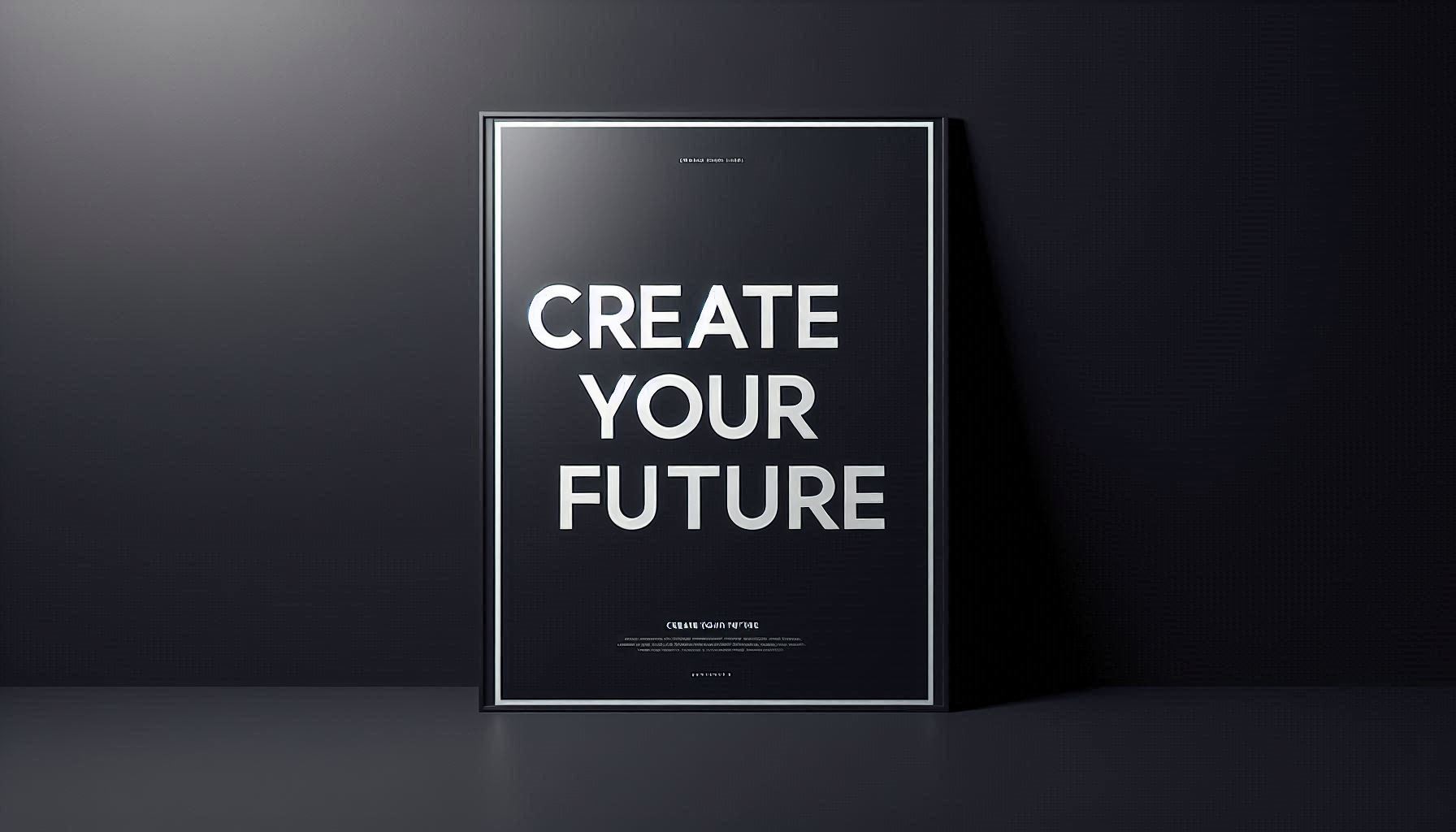
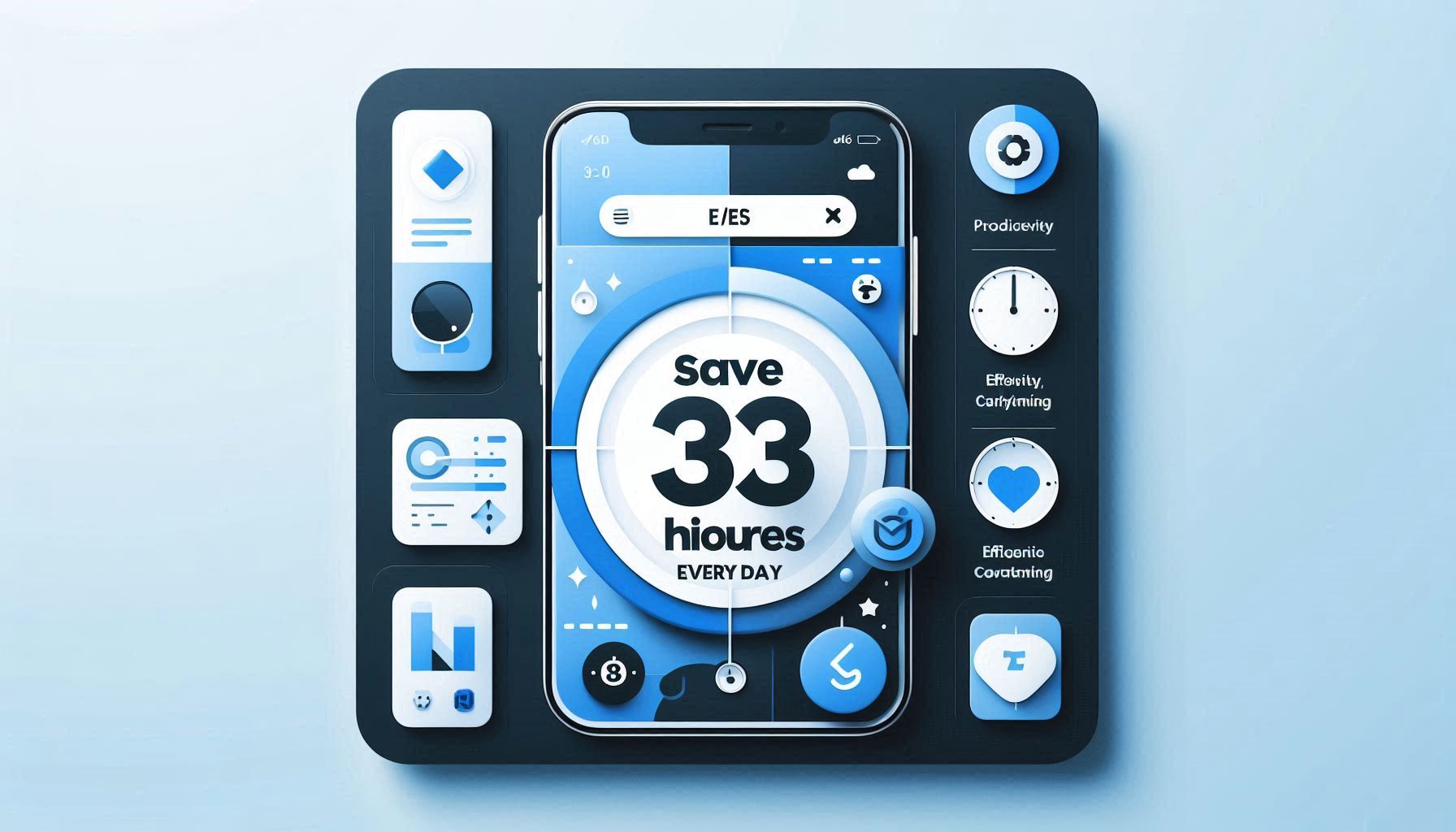
Built by Microsoft and powered by DALL-E 3, Bing Image Creator requires nothing more than a free Microsoft account. No credit card, no paid plan, no usage anxiety. For anyone who needs a high volume of free images consistently, nothing else on this list comes close.
| What You Get | Details |
| Daily limit | Unlimited |
| Credit card required | No |
| Watermark | No |
| Sign-up required | Yes (free Microsoft account) |
| Commercial use | Yes |
| Paid plan starts at | Included in Microsoft 365 |
Key Features
- Truly unlimited image generation on the free tier
- Powered by DALL-E 3 — one of the most capable base models available
- Four image variations generated per prompt for faster concept exploration
How Does Bing Image Creator Work?
- Sign in at bing.com/create with any free Microsoft account
- Type your prompt — DALL-E 3 generates four variations in under 15 seconds
- Select and download instantly — boost tokens available for faster generation
Real World Use
- Social media content — unlimited generations ideal for high volume posting
- Blog imagery — consistent quality across photorealistic and illustrative styles
- Beginners — simplest setup of any tool I tested, under 45 seconds to first image
| What I Liked | What I Did Not Like |
| Genuinely unlimited free generations | Text rendering was inconsistent in my testing |
| No credit card required at any point | Image quality ceiling lower than Gemini or ChatGPT |
| Four variations generated per prompt | Slower without boost tokens during peak hours |
Bing Image Creator is my recommendation when volume is the priority. Quality is not the best on this list but it is consistently good enough for social media and blog content. Genuinely unlimited with zero payment details makes it a tool every content creator should bookmark.
4. Adobe Firefly — Best Free AI Image Generator for Commercial Safety
The only free AI image generator I tested where I felt completely confident using outputs for paid client work.
Rating: 4.3 out of 5

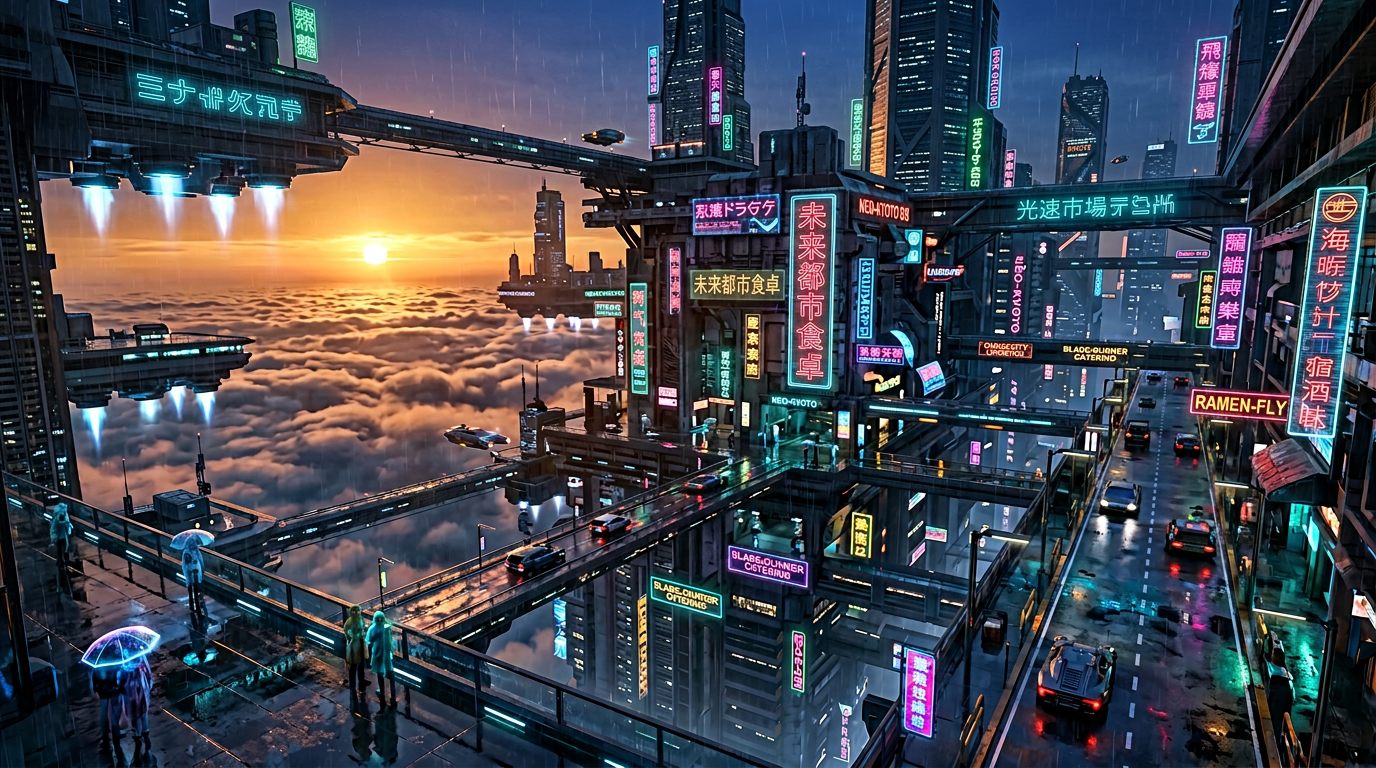

Built by Adobe and trained exclusively on licensed Adobe Stock images and public domain content, Firefly is the only tool on this list specifically designed with commercial safety in mind. For anyone doing professional or client facing work, this distinction matters enormously.
| What You Get | Details |
| Monthly limit | 25 generative credits |
| Credit card required | No |
| Watermark | Yes |
| Sign-up required | Yes (free Adobe account) |
| Commercial use | Yes |
| Paid plan starts at | $9.99 per month |
Key Features
- 100% trained on licensed content — zero copyright risk on outputs
- IP indemnification included — Adobe legally backs commercial use of Firefly outputs
- Deep integration with Photoshop, Illustrator, and Adobe Express
How Does Adobe Firefly Work?
- Visit firefly.adobe.com and sign in with a free Adobe account
- Enter your prompt and choose aspect ratio, content type, and art style
- Firefly generates four variations — refine using built in controls and download
Real World Use
- Client work — IP indemnification makes it the safest choice for agency use
- Marketing assets — professional stock quality outputs ready for campaigns
- Adobe workflow users — generate and edit without leaving Creative Cloud
| What I Liked | What I Did Not Like |
| Safest commercial use rights of any tool tested | Only 25 credits per month — disappears in one session |
| IP indemnification is genuinely unique | Free tier images carry a watermark |
| Deep Adobe Creative Cloud integration | Generic stock photo aesthetic on creative prompts |
Firefly is not for casual or high volume use. But if you are doing paid client work where copyright could become a legal issue, Firefly is the only free AI image generator on this list that gives you real legal protection. That alone makes it essential to have in your toolkit.
5. Leonardo.ai — Best Free AI Image Generator for Designers and Freelancers
150 tokens per day, commercial license included, and the best free tier for professional creative output I found during testing.
Rating: 4.5 out of 5

Now owned by Canva and powered by its proprietary Phoenix model, Leonardo.ai includes a full commercial license on its free tier. For designers, freelancers, and small business owners who need professional quality images daily without paying, this is the most complete free offering I tested.
| What You Get | Details |
| Daily limit | 150 tokens per day |
| Credit card required | No |
| Watermark | No |
| Sign-up required | Yes |
| Commercial use | Yes — included on free tier |
| Paid plan starts at | $12 per month |
Key Features
- Commercial license included on free tier — rare among competitors
- Phoenix model delivers professional grade photorealism and stylistic range
- Image to image generation and canvas editing available on free tier
How Does Leonardo.ai Work?
- Sign up at leonardo.ai and select the Phoenix model
- Enter your prompt and choose image dimensions and style settings
- Download directly — commercial license applies automatically on free tier
Real World Use
- Freelance client work — commercial license removes legal friction completely
- Brand visuals — Phoenix model handles consistent style across multiple generations
- Small business owners — professional results without a professional budget
| What I Liked | What I Did Not Like |
| Commercial license on free tier is genuinely rare | Free images are public by default |
| 150 tokens per day is generous for professional use | Content filter is overly aggressive |
| Phoenix model quality rivals paid tools | Interface takes longer to learn than simpler tools |
Leonardo.ai is the tool I recommend to any designer or freelancer who needs professional quality images daily without paying. The combination of 150 daily tokens, a commercial license, and the Phoenix model makes it the most complete free tier for professional creative use on this entire list.
6. Ideogram — Best Free AI Image Generator for Text Inside Images
The only free AI image generator I tested that consistently rendered text accurately. For posters, logos, and social graphics, nothing else comes close.
Rating: 4.4 out of 5

Built by former Google Brain researchers, Ideogram 3.0 handles text rendering with approximately 90% accuracy in my testing. While most free AI image generators still mangle words and flip letters, Ideogram treats text as a core design element rather than an afterthought.
| What You Get | Details |
| Weekly limit | 10 credits per week |
| Credit card required | No |
| Watermark | No |
| Sign-up required | Yes |
| Commercial use | Yes |
| Paid plan starts at | $8 per month |
Key Features
- Industry leading text rendering accuracy at approximately 90% in my testing
- Built in typography controls for font style, weight, and layout
- Supports poster, logo, and social graphic templates directly in the interface
How Does Ideogram Work?
- Sign up at ideogram.ai and enter your prompt including any text to render
- Use typography controls to specify font style and layout preferences
- Ideogram 3.0 generates variations with text treated as a core design element
Real World Use
- Poster design — accurate text rendering makes it reliable for word heavy visuals
- Social media graphics — readable text overlays without manual editing afterward
- Event promotions — dates, names, and taglines render accurately in most generations
| What I Liked | What I Did Not Like |
| Text rendering accuracy no competitor matches | Only 10 credits per week on free tier |
| Built in typography controls are genuinely useful | Weekly reset limits room for experimentation |
| Clean no watermark downloads on free tier | Not the strongest choice for pure photorealism |
If your work involves any image with text inside it, Ideogram is the only free AI image generator I would confidently recommend. Keep it as a specialist tool alongside a higher volume option like Gemini or Bing Image Creator.
7. Canva AI (Magic Media) — Best for Non-Designers
Generate an image and design with it in the same workspace without switching tools.
Rating: 4.0 out of 5

Built into Canva and used by over 100 million people worldwide, Canva AI solves a real workflow problem. Generate and design in the same place without switching between tools.
| Free Limit | Sign-Up | Watermark | Commercial Use |
| 50 lifetime uses | Yes | No | Yes |
Key Features
- Generate and design in one workspace
- Supports text to image, image expansion, and background removal on free tier
| What I Liked | What I Did Not Like |
| Generate and design in one workspace | 50 lifetime uses is the stingiest cap on this entire list |
| No design experience needed | Once 50 uses are gone they do not reset |
My Verdict
Best for existing Canva users. Save your 50 free credits for designs that actually matter.
8. Freepik AI (Pikaso) — Best for Content Marketers
The only free AI image generator that combines licensed content generation with a massive stock library in one platform.
Rating: 4.1 out of 5

Built into the Freepik platform and trained on licensed content, Pikaso runs on FLUX, Mystic, and Seedream models. Lower copyright risk than most free tools and direct access to Freepik’s 50 million asset stock library alongside generated images.
| Free Limit | Sign-Up | Watermark | Commercial Use |
| Limited daily credits | Yes | No | Yes |
Key Features
- Trained on licensed content — lower copyright risk than most free tools
- Multiple model options including FLUX for photorealism and Mystic for stylised outputs
| What I Liked | What I Did Not Like |
| Licensed content training reduces copyright risk | Free credit limit not clearly disclosed |
| Stock library integration genuinely useful | Daily credits run out faster than expected |
My Verdict
Best for content marketers and agencies who need AI generated images and stock content in one workflow.
9. Grok (xAI) — Best for X (Twitter) Users
The fastest free AI image generator I tested. Already built into X with no additional sign-up needed.
Rating: 4.0 out of 5

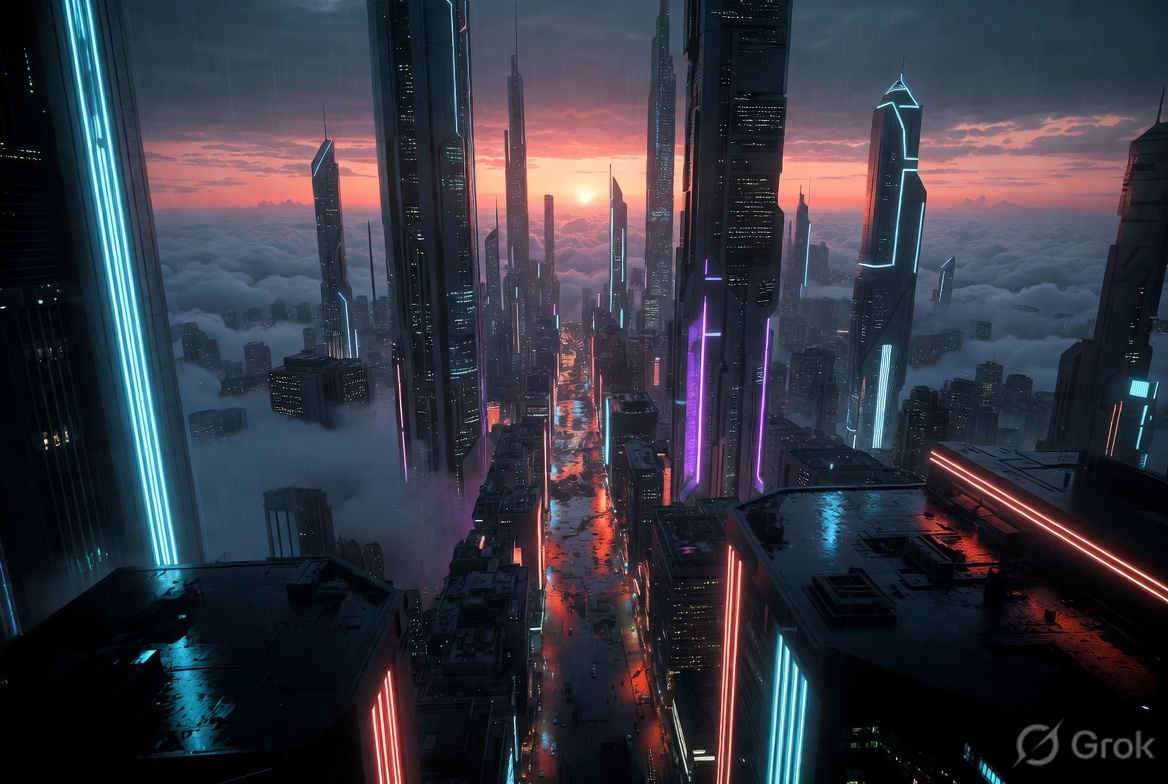
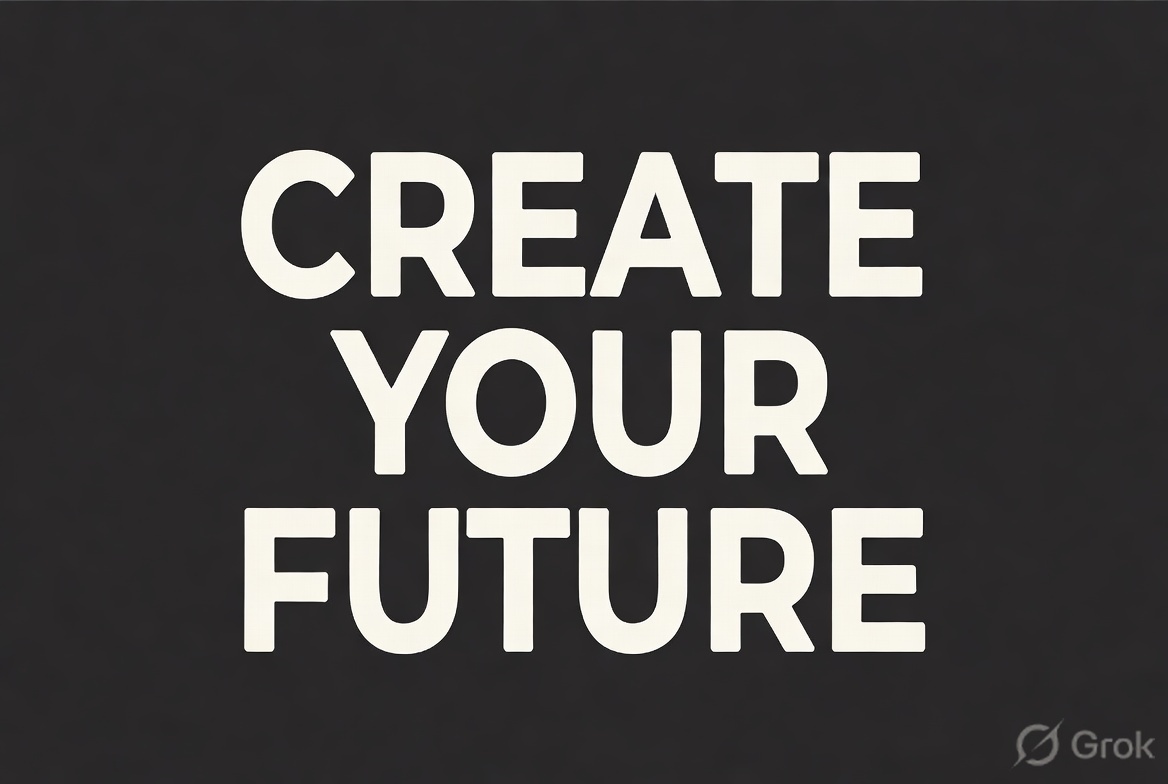
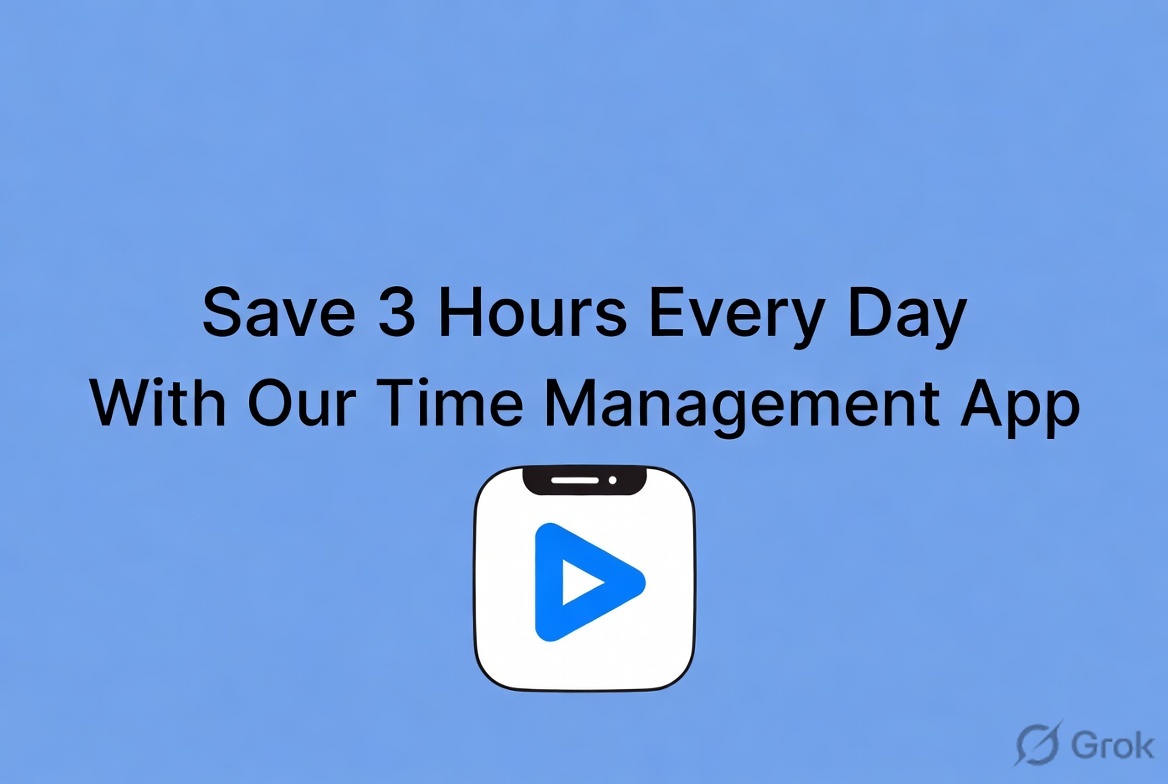
Built by xAI and powered by the Aurora model, Grok is built directly into X. Anyone with a free X account already has access. In my testing it was the fastest generator on this entire list at under 10 seconds per image.
| Free Limit | Sign-Up | Watermark | Commercial Use |
| Limited daily | Yes (X account) | No | Yes |
Key Features
- Built into X — no additional sign-up for existing users
- Aurora model delivers ultra fast generation under 10 seconds consistently
| What I Liked | What I Did Not Like |
| Fastest generation speed of any tool I tested | Daily generation limit not clearly disclosed |
| Zero additional sign-up for existing X users | Quality ceiling below Gemini and ChatGPT |
My Verdict
Best for X users who want to generate and post without ever leaving the platform.
10. Stable Diffusion — Best for Full Creative Control
Truly unlimited, zero restrictions, and complete control over every output. The most powerful free AI image generator for technical users.
Rating: 4.3 out of 5
An open source model originally developed by Stability AI, Stable Diffusion is not a platform. It is a model you run yourself completely free via Hugging Face Spaces or local setup. The r/StableDiffusion community has over 500,000 members making it the most active AI image community online.
| Free Limit | Sign-Up | Watermark | Commercial Use |
| Unlimited (self hosted) | No | No | Yes |
Key Features
- Fully open source with no usage limits on self hosted setup
- Thousands of community fine tuned models for every style imaginable
| What I Liked | What I Did Not Like |
| Truly unlimited free generations | Steep learning curve for non technical users |
| No sign-up required via Hugging Face | Queue times on Hugging Face during peak hours |
My Verdict
Best for developers and technical users who want unlimited generations with zero restrictions. Beginners should start with Gemini instead.
11. FLUX — Best Open Source Option for Photorealism
The model the AI art community quietly moved to when Stable Diffusion was no longer enough.
Rating: 4.2 out of 5

Developed by Black Forest Labs and accessible free via Hugging Face Spaces and Mage.space, FLUX.1-Dev is now considered the benchmark for open source photorealism by the r/StableDiffusion community. It replaced Stable Diffusion as the model of choice for advanced users in 2025.
| Free Limit | Sign-Up | Watermark | Commercial Use |
| Limited daily via platforms | No | No | Yes |
Key Features
- FLUX.1-Dev is the current benchmark for open source photorealism
- No sign-up required via Hugging Face Spaces
| What I Liked | What I Did Not Like |
| Best open source photorealism I tested | Experience varies by hosting platform |
| No sign-up required on most interfaces | Text rendering is poor across all interfaces |
My Verdict
Best for advanced users who want the strongest open source photorealism available for free.
12. Meta AI — Best for Casual Everyday Use
Already inside apps that billions of people open every single day. Zero additional sign-up needed.
Rating: 3.8 out of 5

Built into WhatsApp, Instagram, Facebook, and Messenger, Meta AI requires no additional sign-up for anyone with an existing Meta account. The barrier to entry is essentially zero.
| Free Limit | Sign-Up | Watermark | Commercial Use |
| Unlimited | Yes (Meta account) | No | Yes |
Key Features
- Available inside WhatsApp, Instagram, Facebook, and Messenger simultaneously
- Truly unlimited free generations with no daily cap
| What I Liked | What I Did Not Like |
| Zero additional sign-up for billions of existing users | Lowest image quality ceiling among unlimited tools |
| Unlimited generations across four platforms | Outputs feel generic on creative prompts |
My Verdict
Best for casual users who want to generate images with the absolute minimum friction possible.
13. Craiyon — Best Free AI Image Generator With No Sign-Up
Open a browser, type a prompt, get an image. No account, no credit card, no waiting.
Rating: 3.5 out of 5
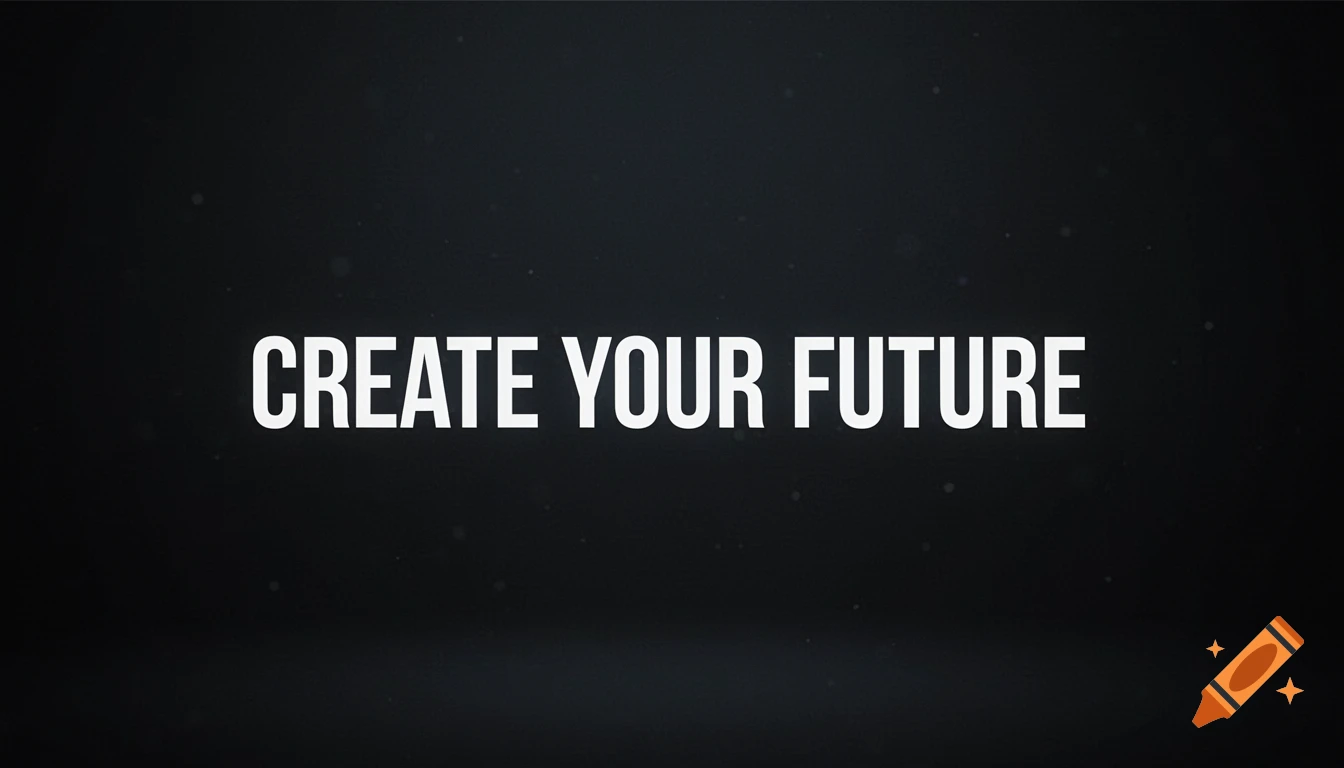
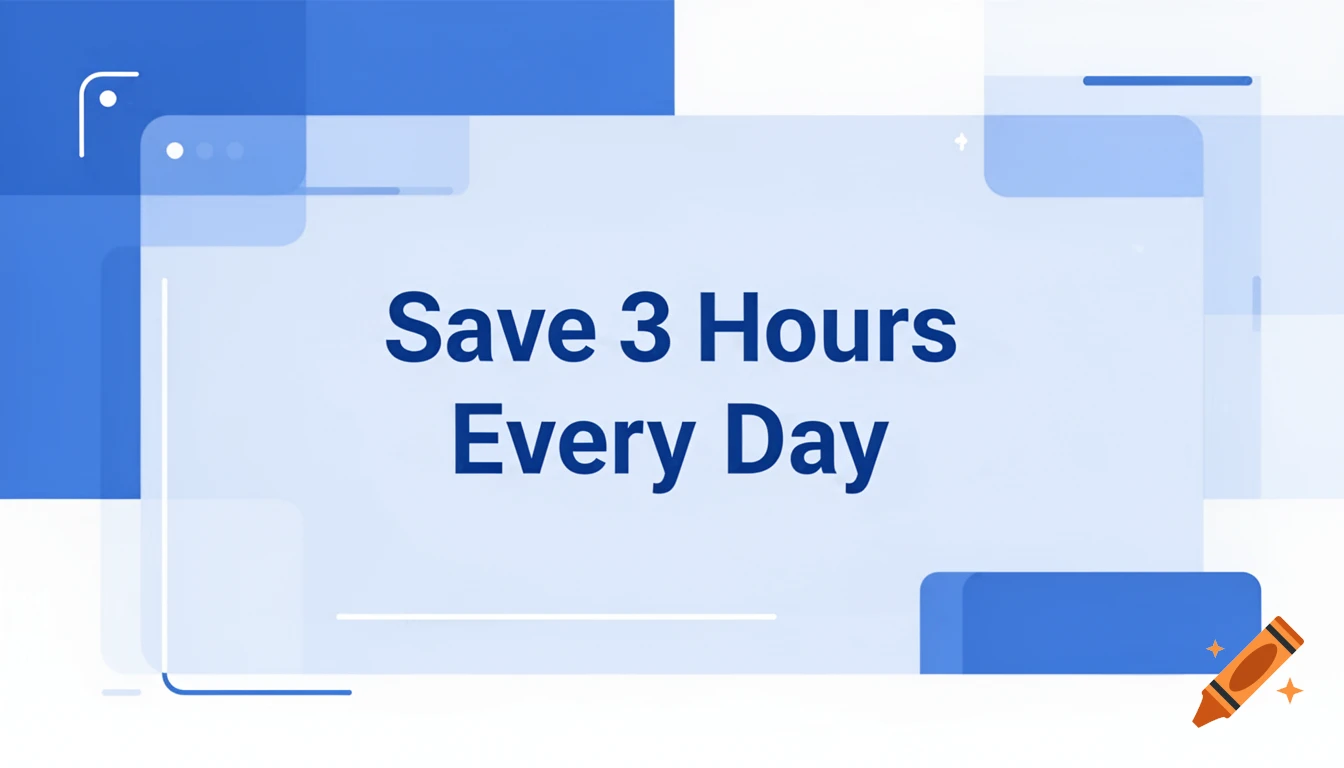
Formerly known as DALL-E Mini, Craiyon requires nothing to get started. No account, no email, no credit card. Visit the website, type your prompt, and generate immediately.
Free limit: Unlimited | Sign-up: Not required | Watermark: No | Commercial use: Yes
- Nine image variations generated per prompt
- Runs entirely in browser with no installation needed
My Verdict
Best for zero friction exploration. Do not expect professional results but expect the fastest possible path from idea to image.
14. Perchance AI — Best Unlimited Free AI Image Generator for Students
100% free forever. No paid tier, no sign-up, no watermark, no upgrade pressure. Ever.
Rating: 3.6 out of 5

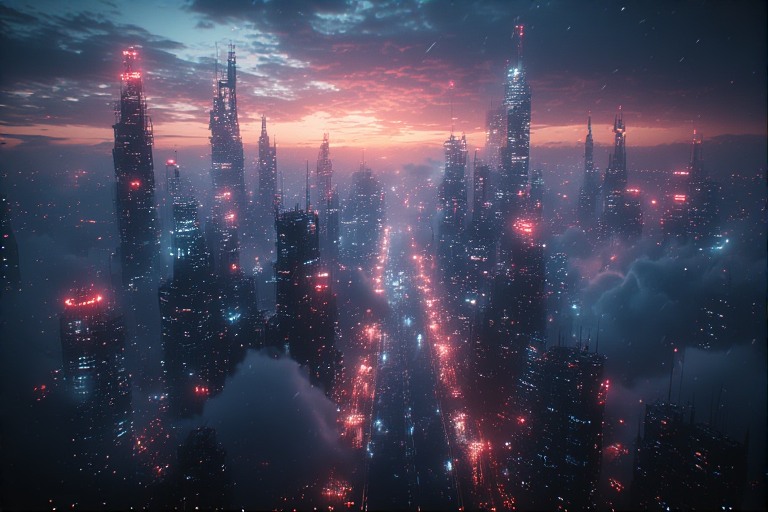
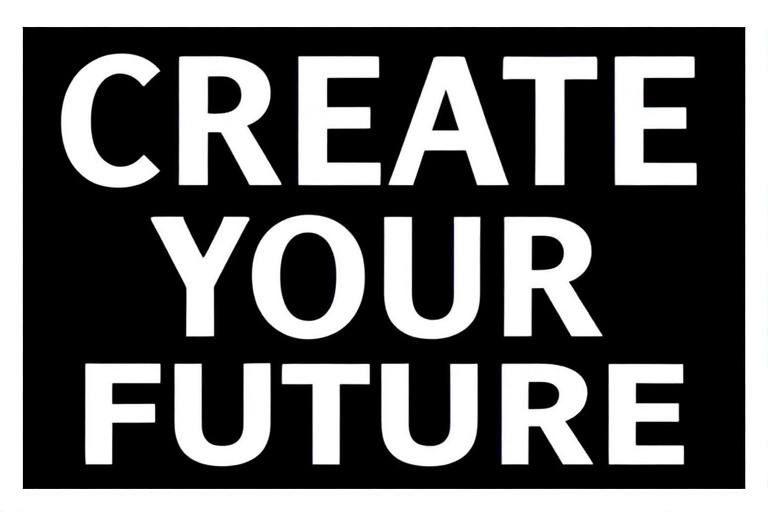
Perchance runs Stable Diffusion directly in your browser with no server queues, no account requirements, and no paid tier of any kind. It is the only tool on this list that is completely free with no upgrade path whatsoever.
Free limit: Unlimited | Sign-up: Not required | Watermark: No | Commercial use: Yes
- No paid tier means zero upgrade pressure ever
- Runs Stable Diffusion in browser with no installation needed
My Verdict
Best for students, hobbyists, and privacy conscious users who want unlimited image generation with zero commitment.
15. Playground AI — Best Free AI Image Generator for Design-Focused Creators
The perfect middle ground between Canva’s simplicity and Stable Diffusion’s complexity.
Rating: 4.0 out of 5


A browser based platform built for designers who want more control than Canva but less complexity than Stable Diffusion. With 100 images per day and a built in canvas editor, it fills a gap no other free tool quite covers.
Free limit: 100/day | Sign-up: Yes | Watermark: No | Commercial use: Yes
- Built in canvas editor for post generation design work
- Supports image to image generation and inpainting on free tier
My Verdict
Best for design focused creators who have outgrown Canva but are not ready for Stable Diffusion.
Which Free AI Image Generator Is Right for You?
Still deciding? Here is my quick use case guide based on everything I tested.
- Best overall quality — Google Gemini
- Need zero sign-up right now — Craiyon or Perchance
- Need text inside images — Ideogram
- Commercial safe for client work — Adobe Firefly
- Need bulk images for free — Bing Image Creator
- Designer or freelancer — Leonardo.ai
- Want to edit through conversation — ChatGPT
- Developer needing full control — Stable Diffusion or FLUX
- Already using Canva daily — Canva AI
- Already on X platform — Grok
- Casual use in WhatsApp — Meta AI
Want’s to Explore More About AI Tools?
Conclusion
The best free AI image generator in 2026 is not one tool. It depends entirely on what you are making.
For best overall quality I start with Gemini. For text inside images I go to Ideogram. For commercial client work I use Firefly. For unlimited bulk generation I rely on Bing Image Creator. For zero sign-up right now I point to Craiyon or Perchance.
The good news is that all 15 tools I tested are completely free to start with today. Bookmark this page as free tier limits change frequently. I update this guide every quarter to reflect the latest changes.
FAQs
Which free AI image generator requires no sign-up?
Craiyon and Perchance both require zero sign-up and zero account. Stable Diffusion and FLUX are also accessible via Hugging Face with no account needed. These are the best options if you want a free AI image generator with no sign-up right now.
Which free AI image generator has no watermark?
Every tool on this list except Adobe Firefly provides clean watermark free downloads on the free tier. Firefly watermarks free tier images but remains the safest option for commercial use.
What is the best free AI image generator from text?
For overall quality I recommend Gemini. For text inside your images specifically, Ideogram is the only tool I tested with reliable text rendering accuracy. For volume, Bing Image Creator is the strongest free AI image generator from text with no daily cap.
Which free AI image generator produces the most images per day?
Bing Image Creator, Craiyon, Perchance, and Meta AI all offer free unlimited AI image generation with no daily cap. Gemini offers 100 images per day which is the most generous fixed daily limit on this list.
Can I use free AI generated images commercially?
Yes on most tools but with varying levels of protection. Adobe Firefly offers the strongest legal protection with IP indemnification. Leonardo.ai includes a commercial license on the free tier. Always check the specific terms of service for each tool before using outputs in paid client work.